SuperAAC
The Communication Software fully reinvented
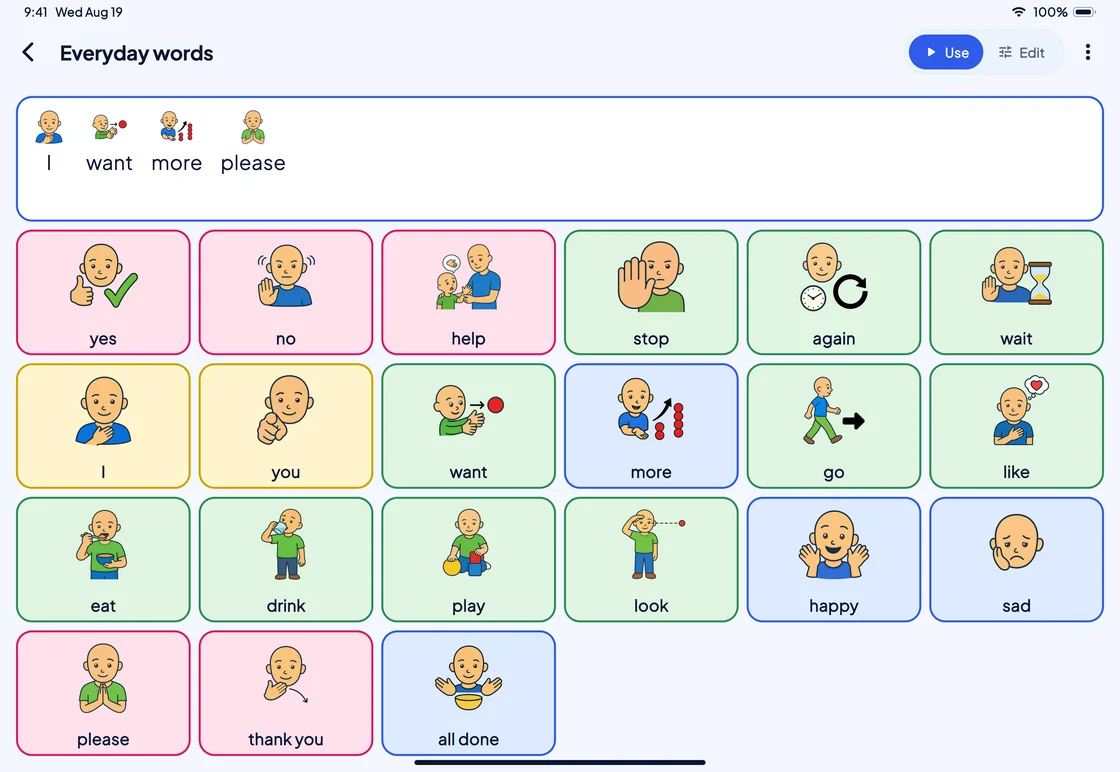
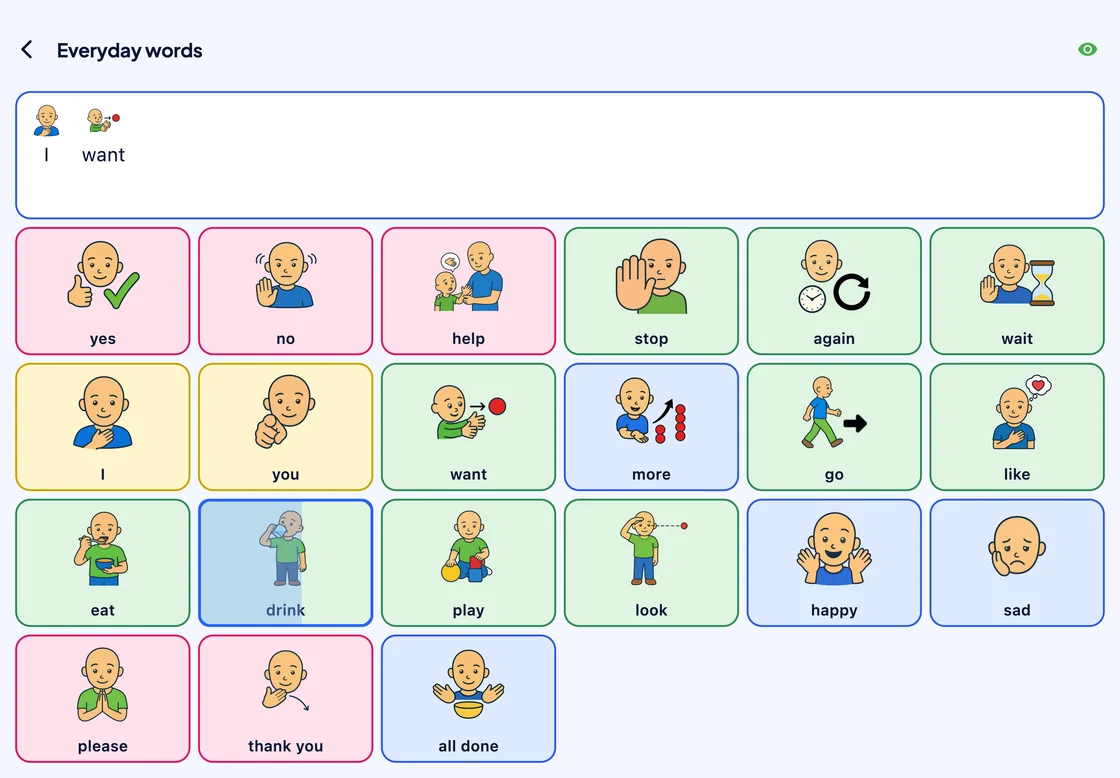
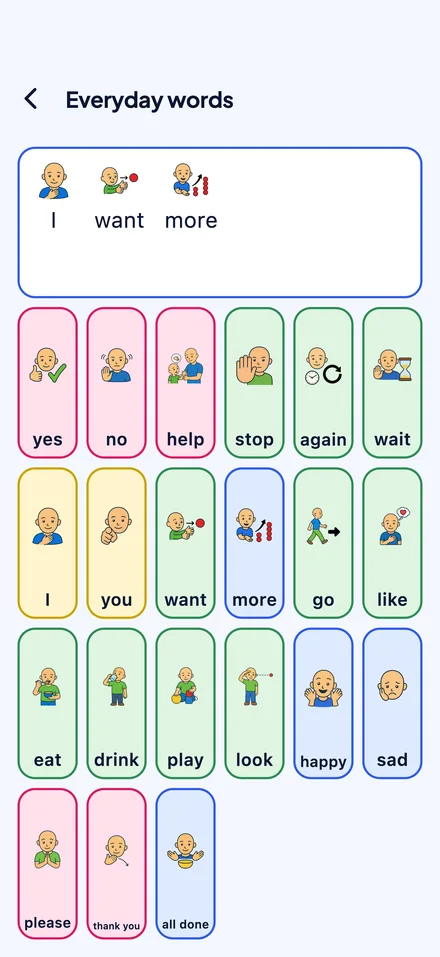
Words, symbols and phrases on a grid of buttons, spoken aloud the moment one is chosen, with no network needed after the first sign-in.
Access
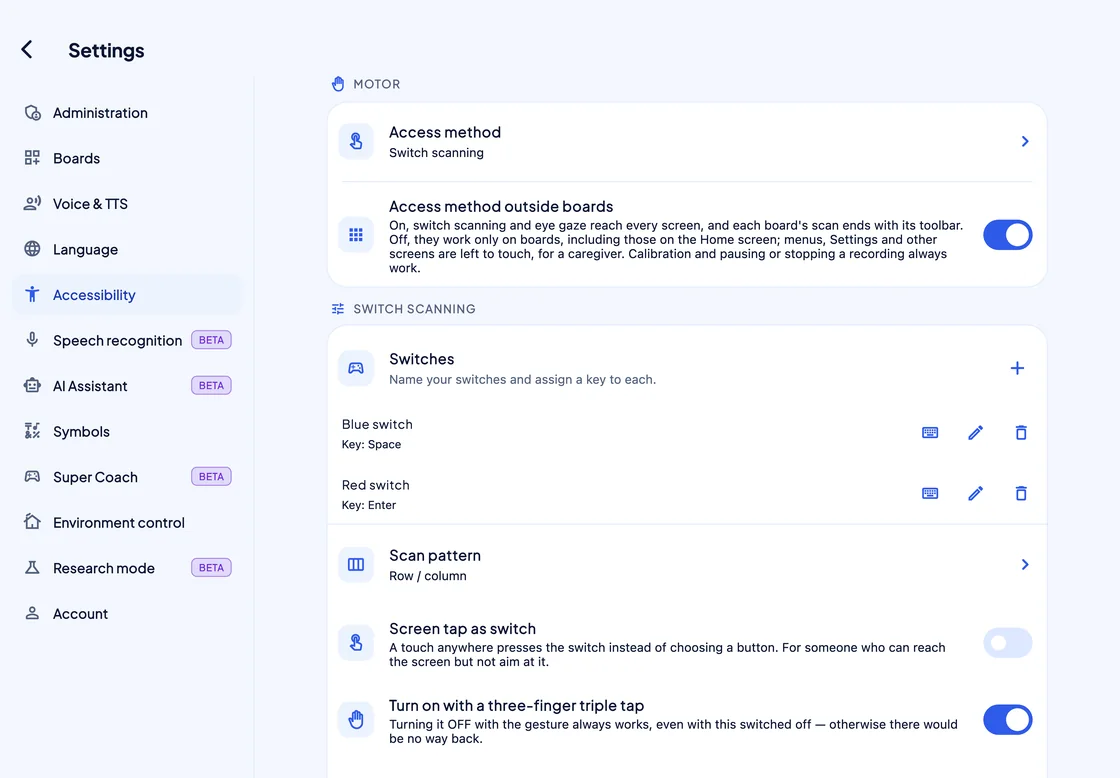
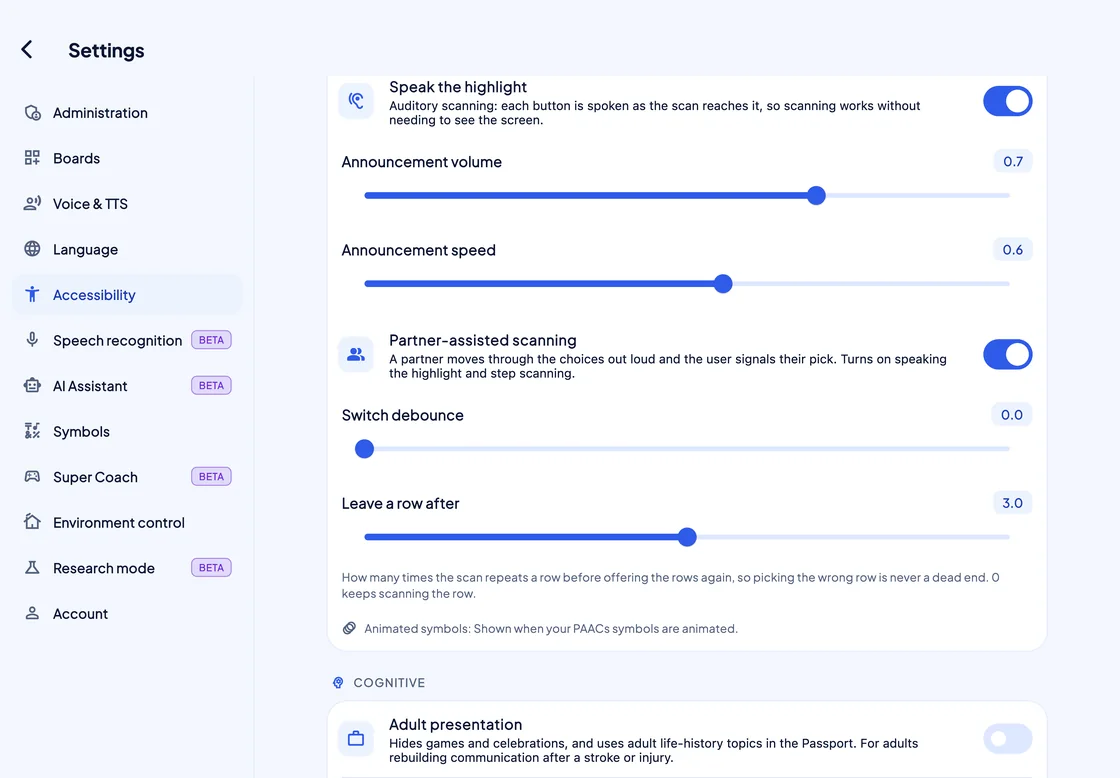
Every way in
Touch, a mouse or head pointer, one or two switches, or eye gaze: each one can drive every board.
Reply suggestions
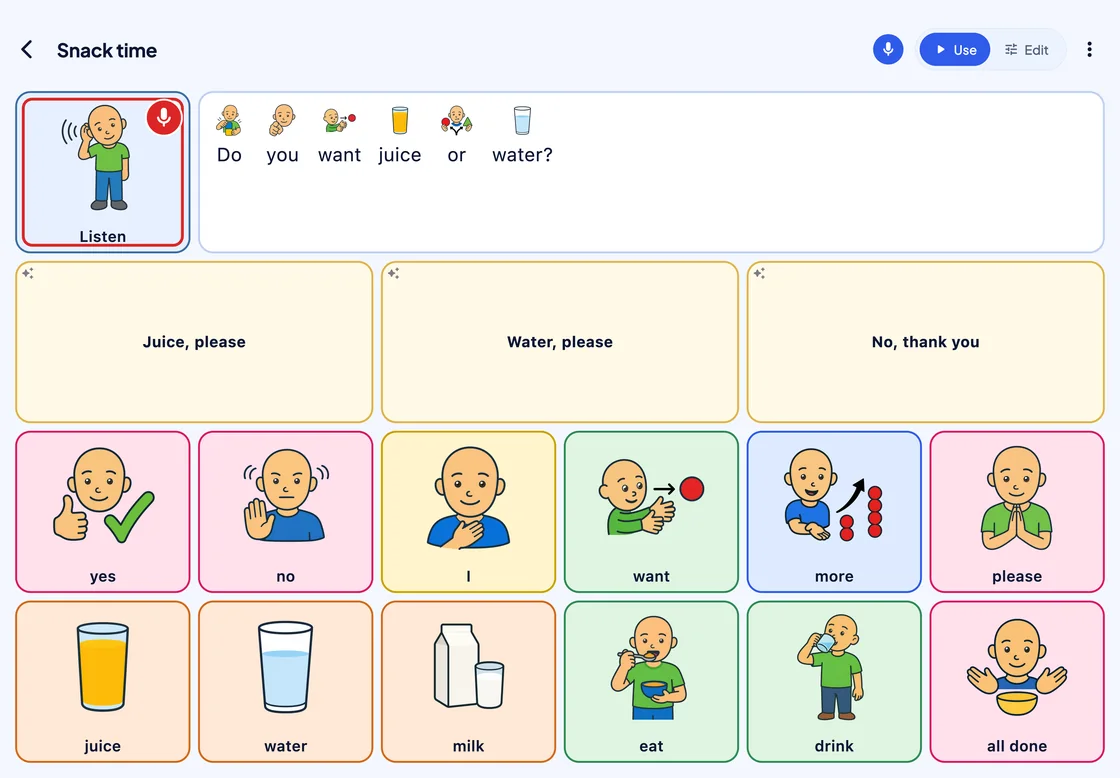
It listens, too Beta
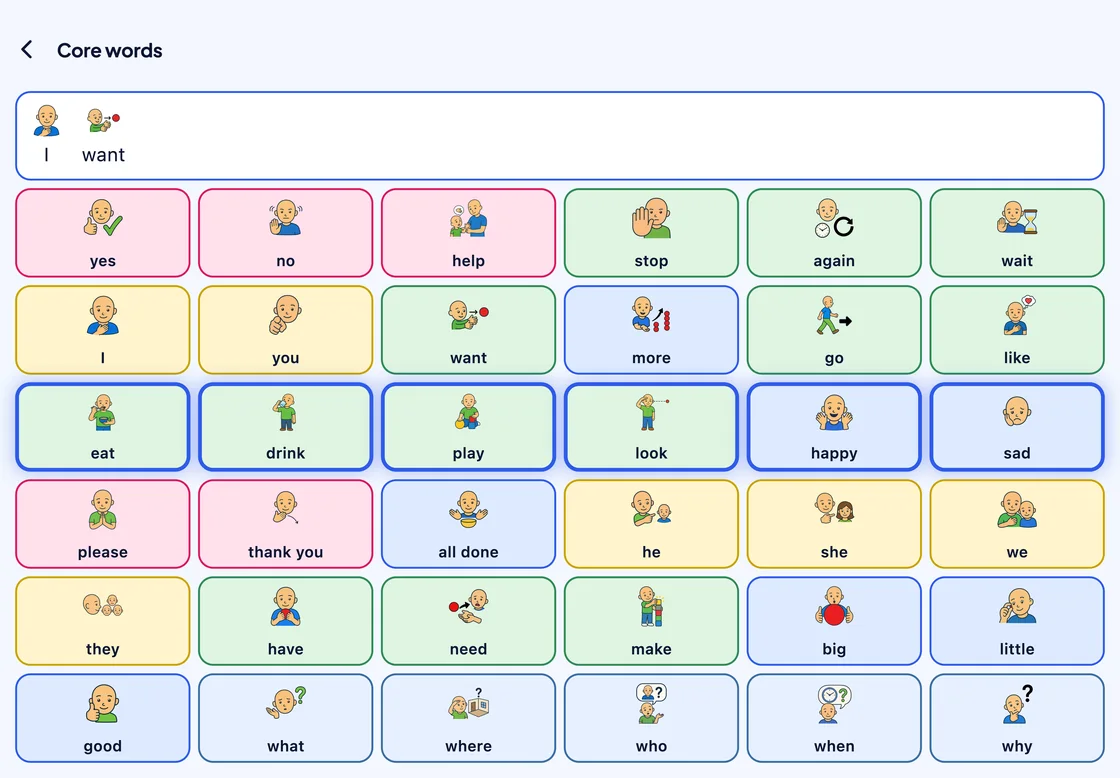
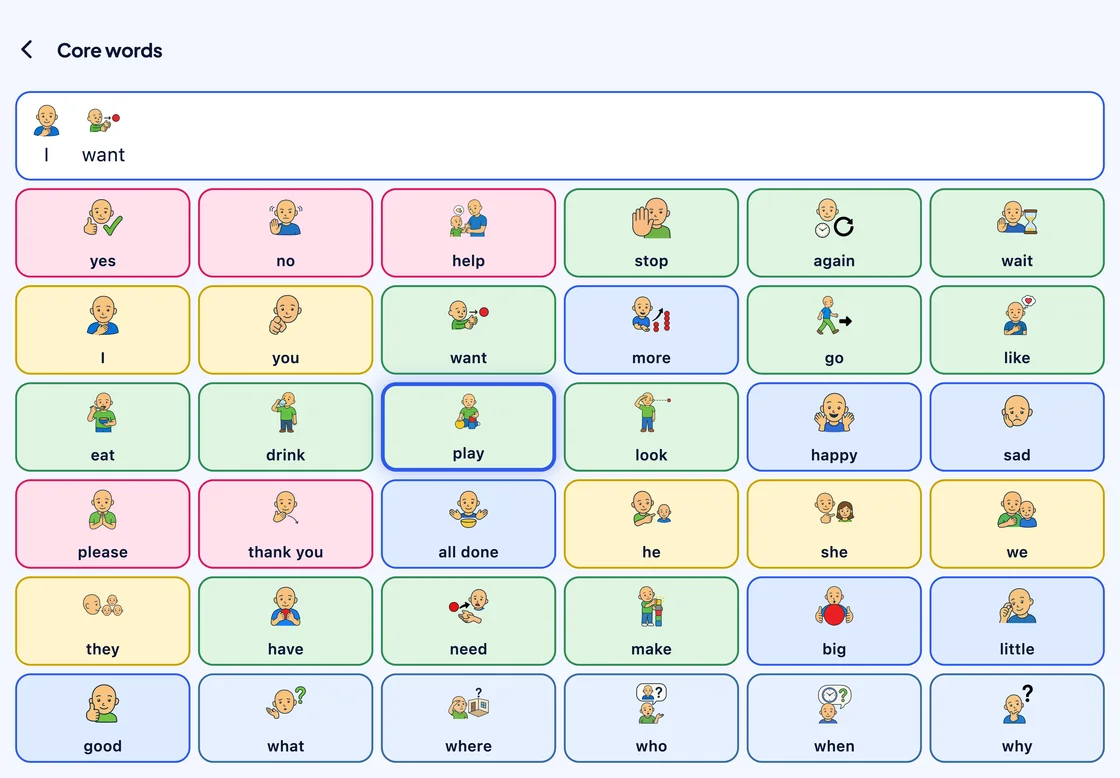
SuperAAC hears what the partner says and, with AI mode on, suggests short replies that answer it.
Boards
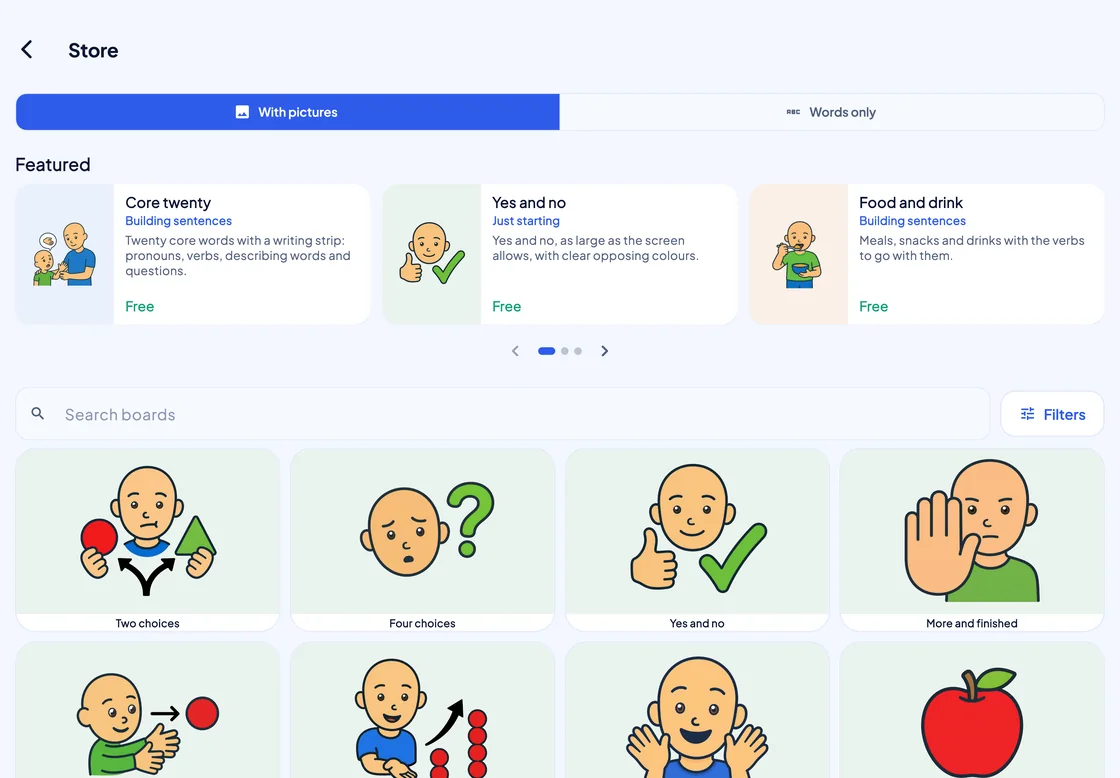
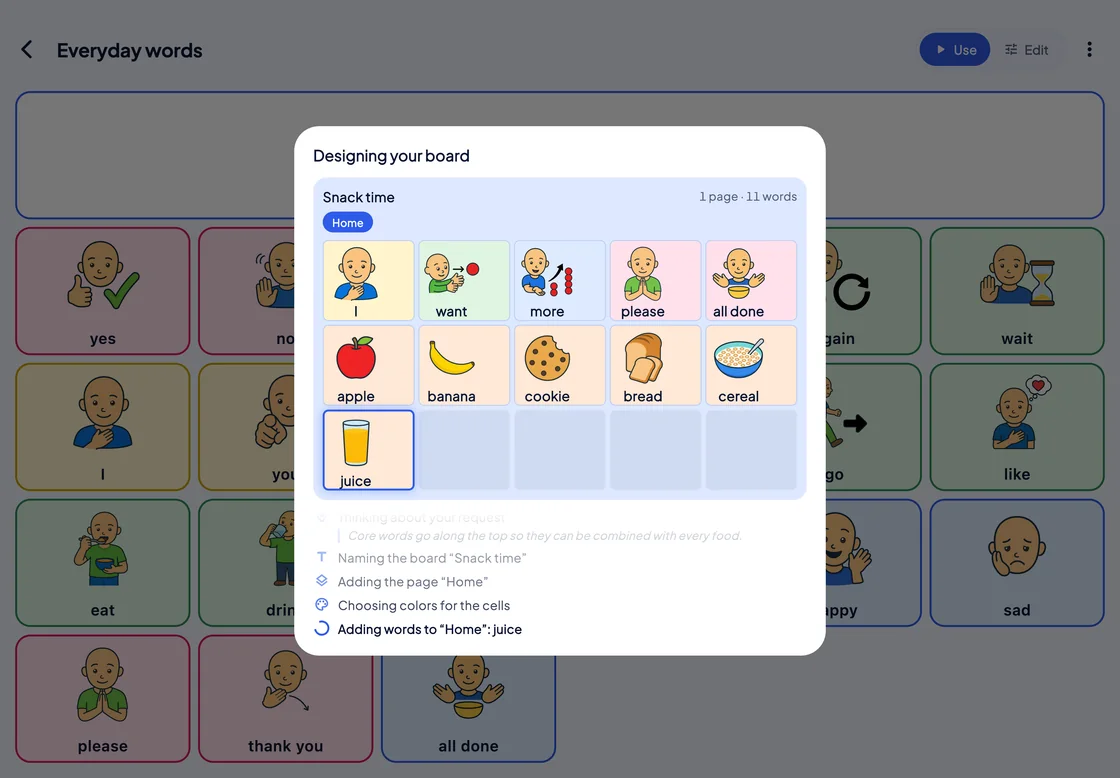
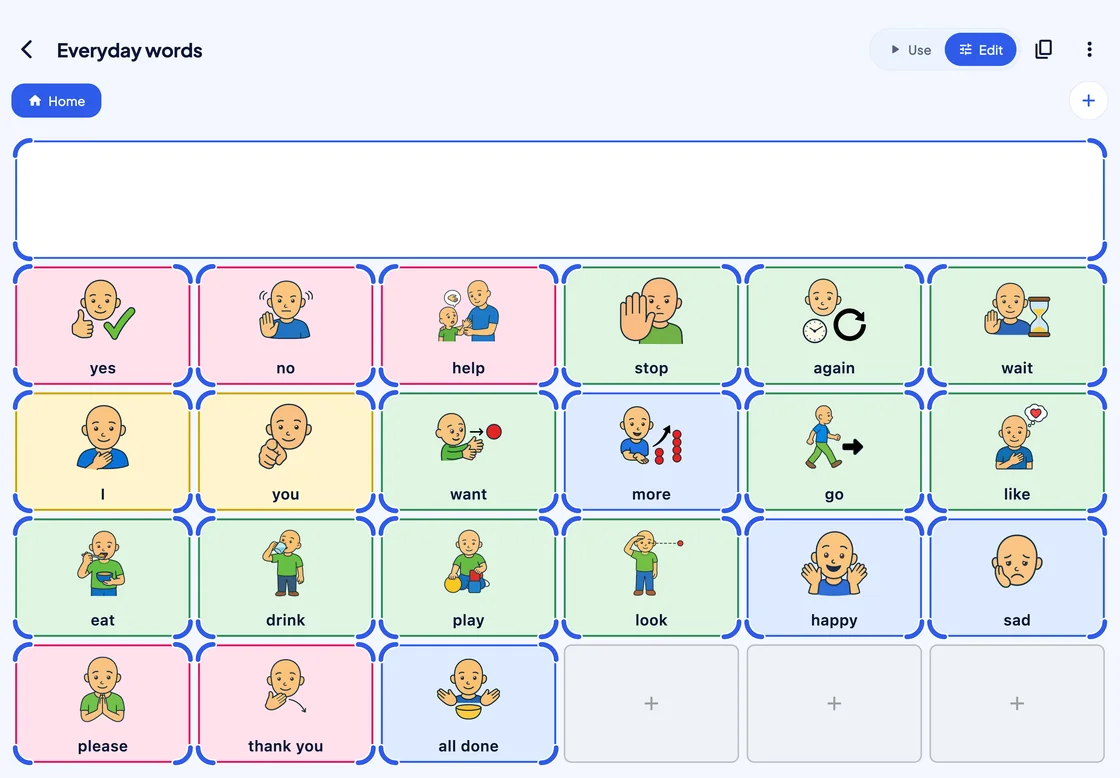
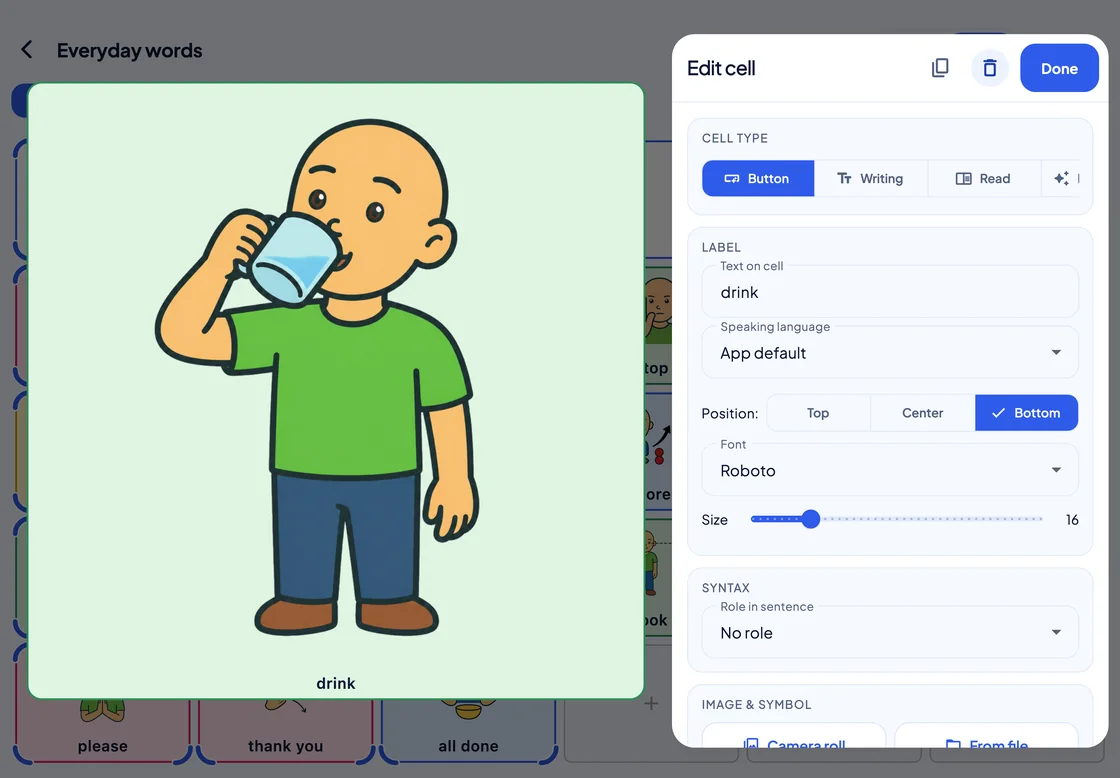
Boards you shape, or AI builds
Start from a ready-made board, ask the AI Assistant for a new one, or shape every cell yourself.
Voice
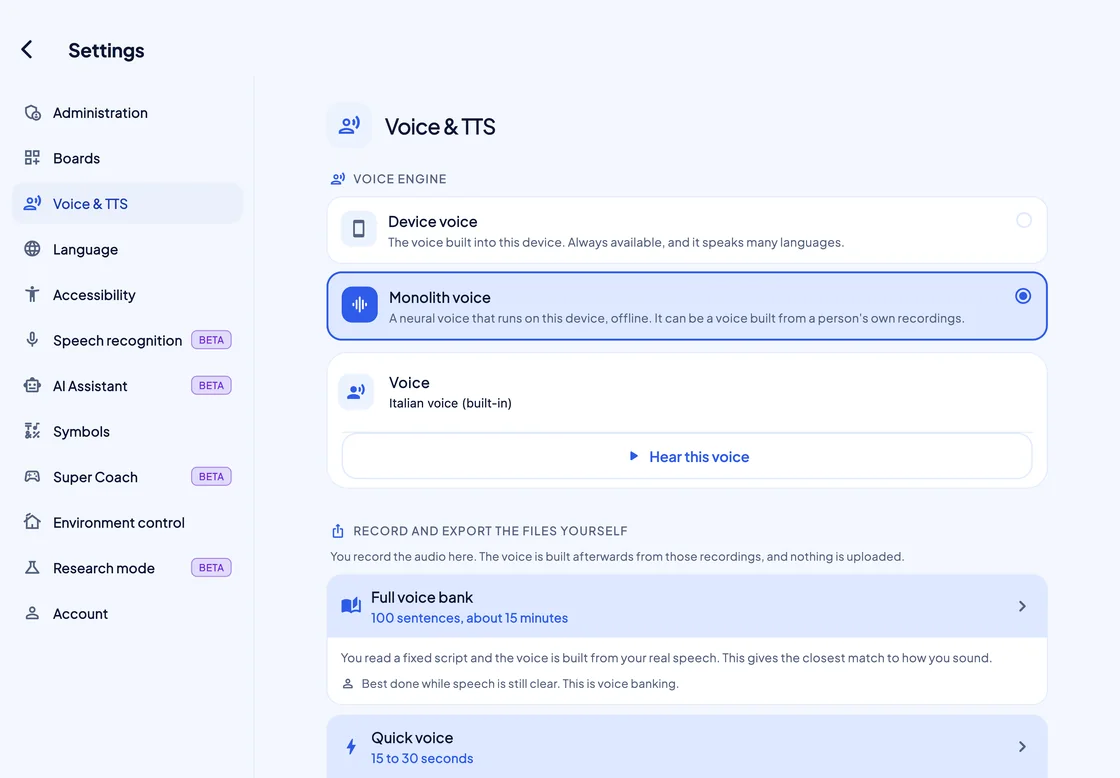
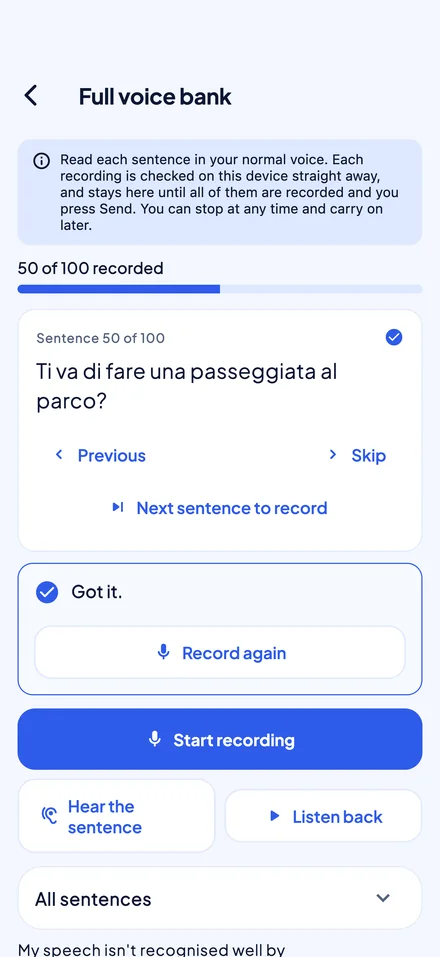
The voice that speaks for them
Use the device’s own voices, or the Monolith voice: an Italian neural voice that runs on the device with no network.
Calls
Text-to-speech in phone and video calls
On iPhone and iPad with iOS or iPadOS 18.2 or later, what the person says through SuperAAC goes into the call while SuperAAC is on screen.
-
Phone calls and FaceTime
On iPhone and iPad. What the person says goes into a phone call, FaceTime and most other call apps that use Apple’s voice processing, through Apple’s Add Audio in Calls.
-
SuperAAC’s own video calls
Coming. A linked therapist or teacher on Pro or Max can call the person inside SuperAAC, once the person allows it. The person needs their own sign-in. What the person says reaches the caller as captions and voice.
-
Also heard in the room
People nearby hear every message too. The caller hears the room as well, and muting the call also mutes SuperAAC.
Deafblind access
Boards you can read by hand
Give a cell its own vibration, and it announces itself the moment a finger lands on it.
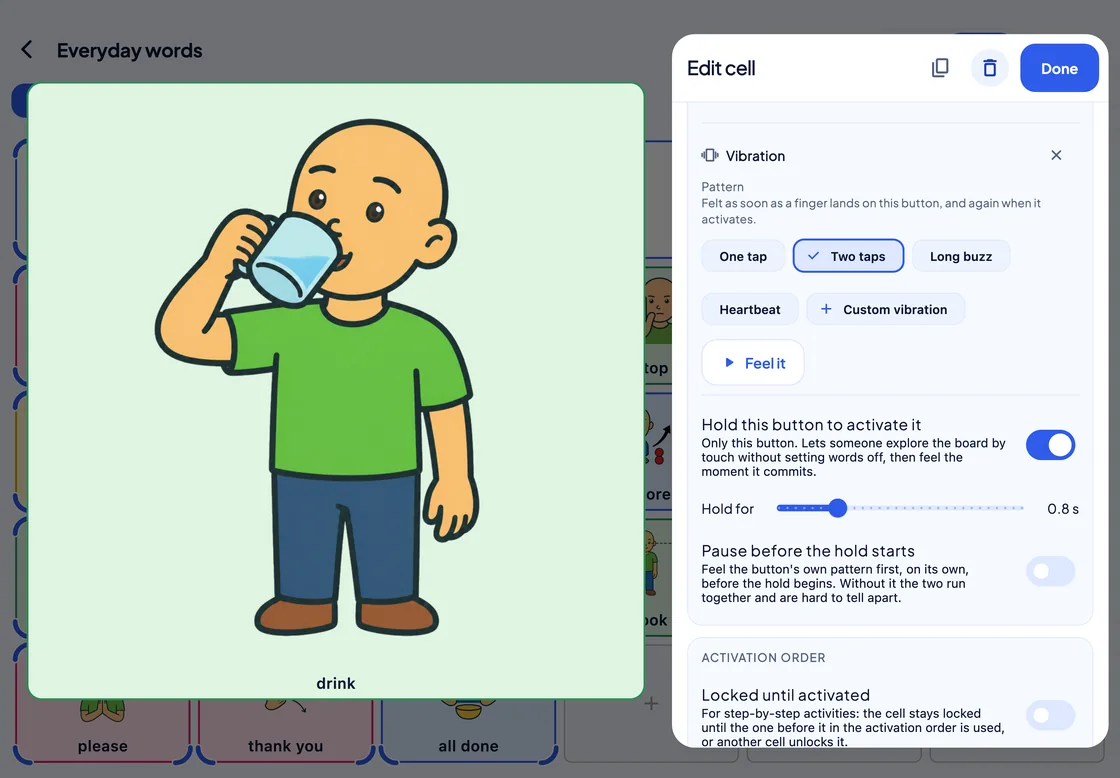
- 4 vibration patterns, plus your own
- Phones iPhone and Android phones need nothing extra
- iPad Through an Apple Pencil Pro only; Windows and Mac have no vibration
Beyond the board
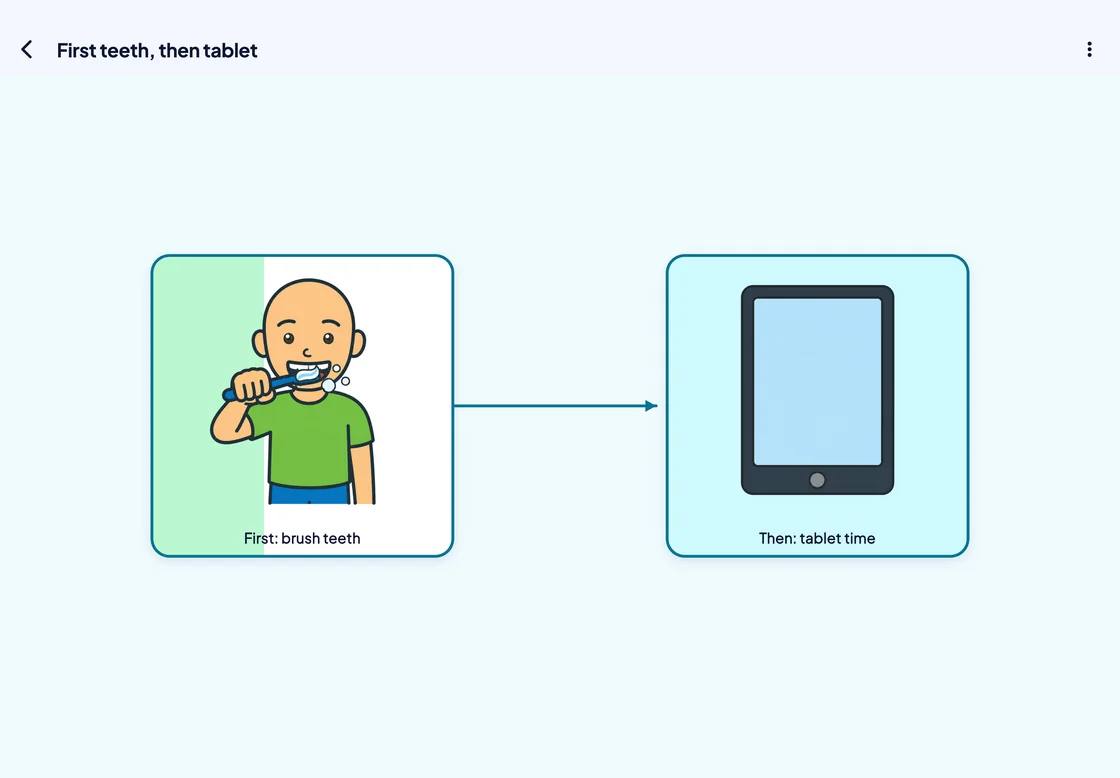
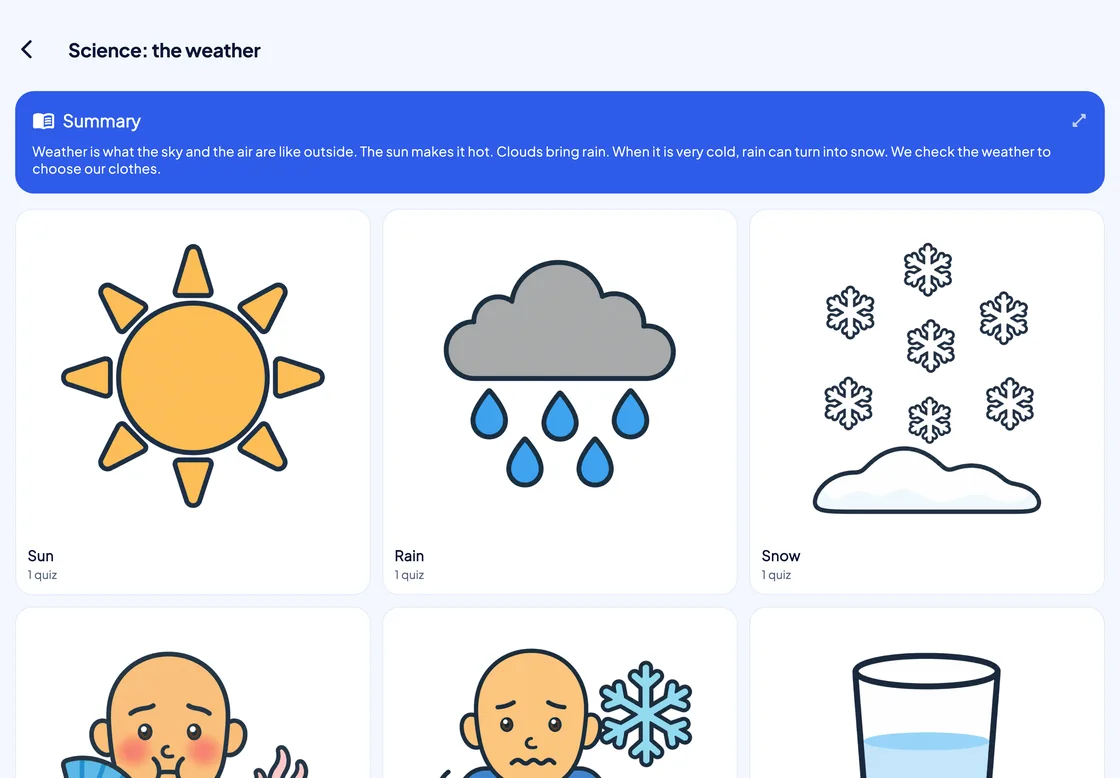
The person, their day, their schoolwork
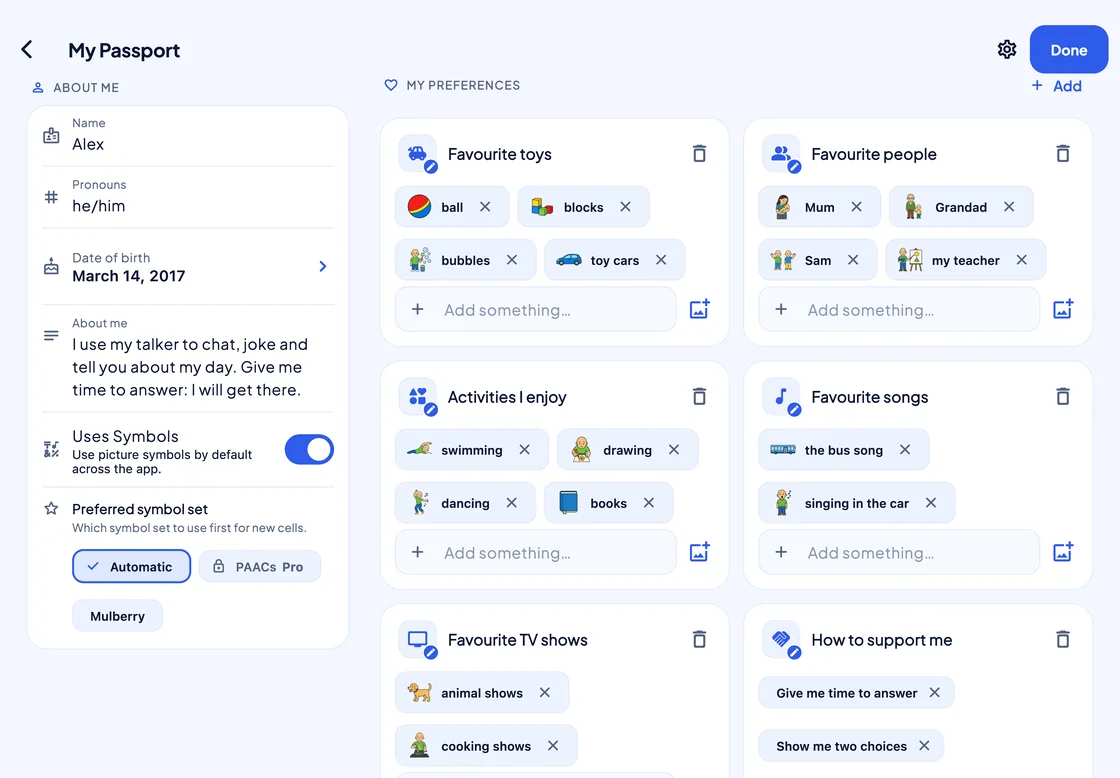
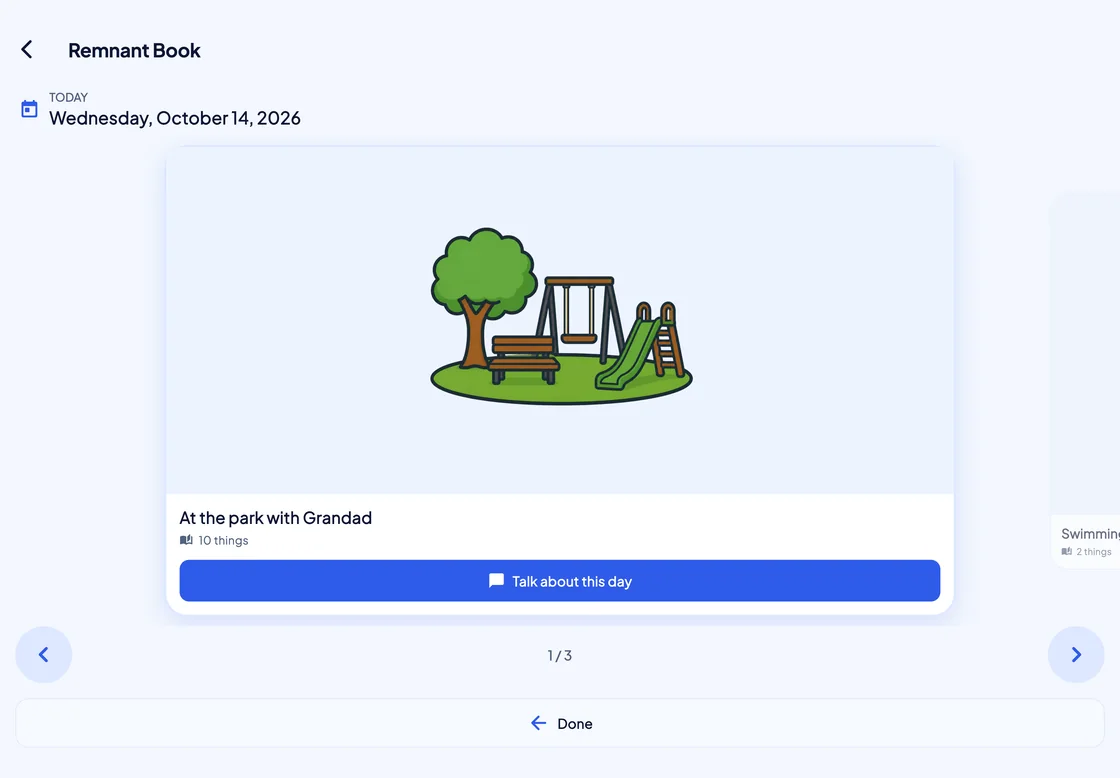
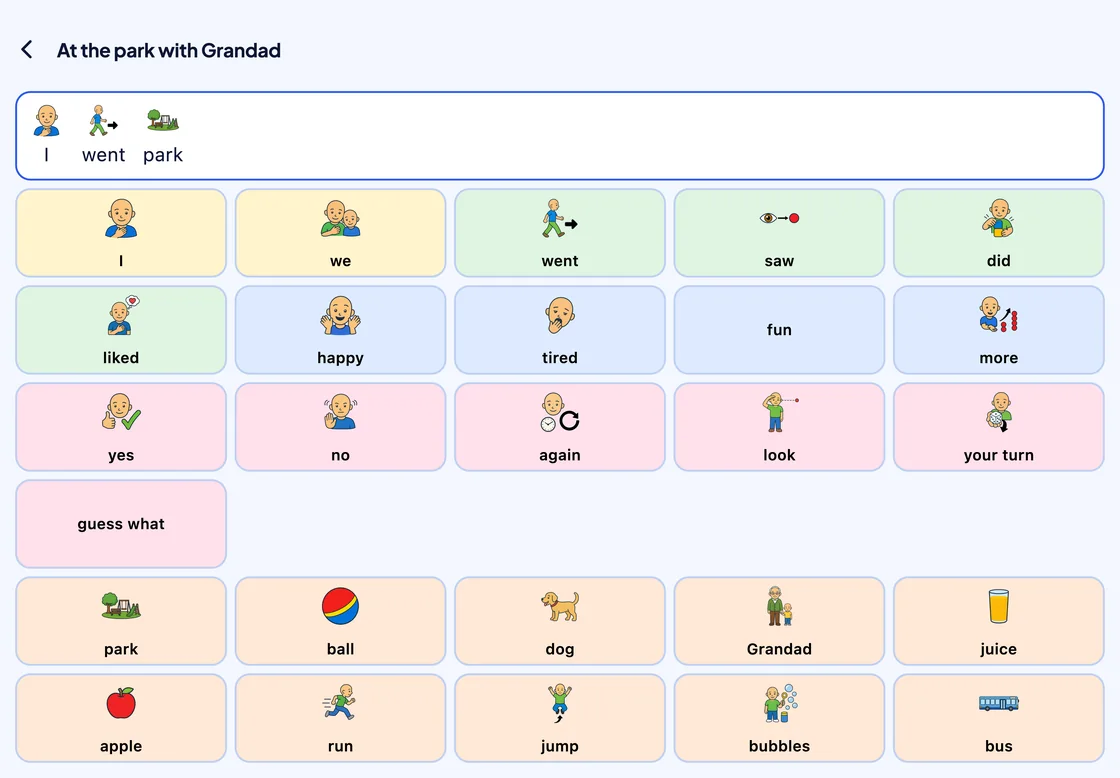
Communication log
Evidence, when someone asks for it
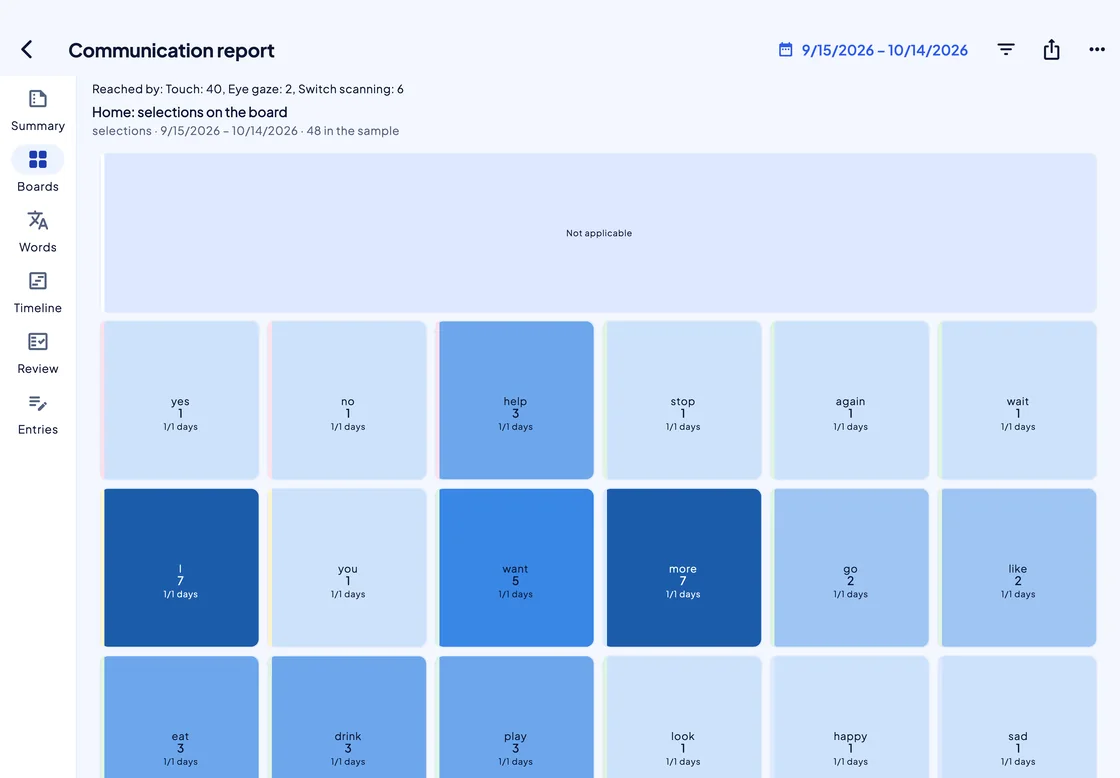
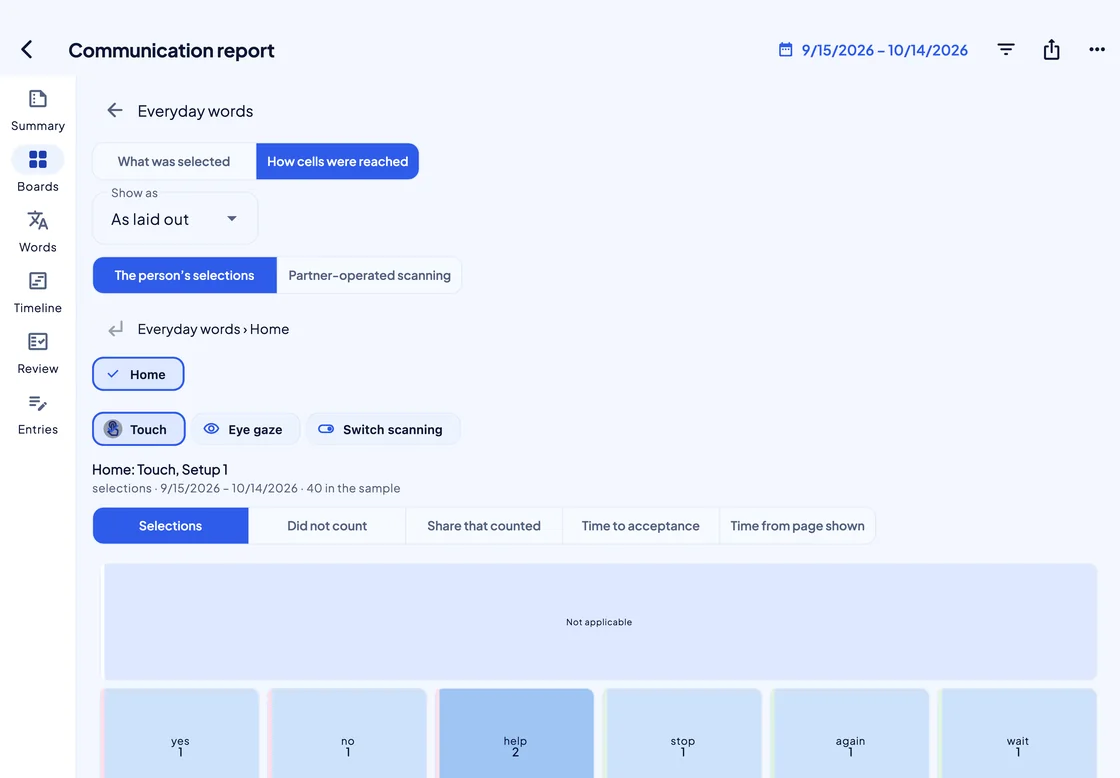
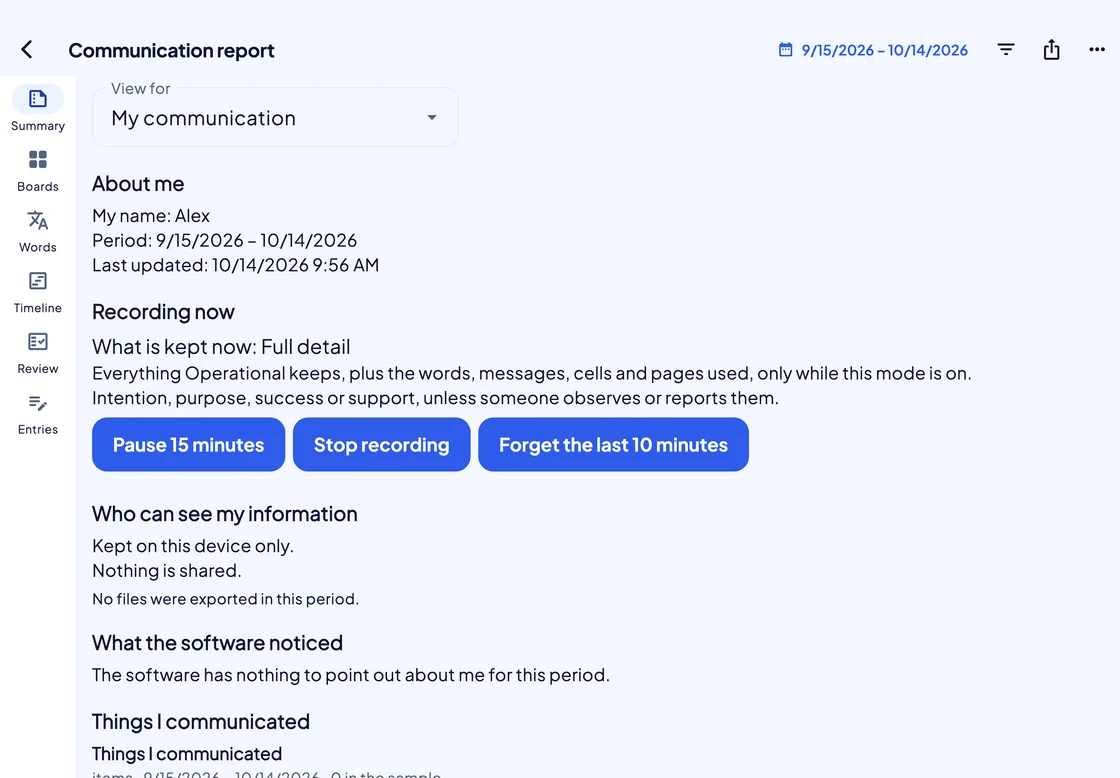
In Operational capture or Full detail, SuperAAC logs each selection and how it was made; Studio is where you read it.
-
Off until chosen
Nothing is recorded until someone picks a mode: Observations only, Operational capture or Full detail.
-
Five views, the same figures
From “My communication” to a clinical summary for a doctor, each view changes the depth, never the numbers.
-
De-identified by default
Exports come as PDF or CSV, with de-identify switched on every time.
Environmental control
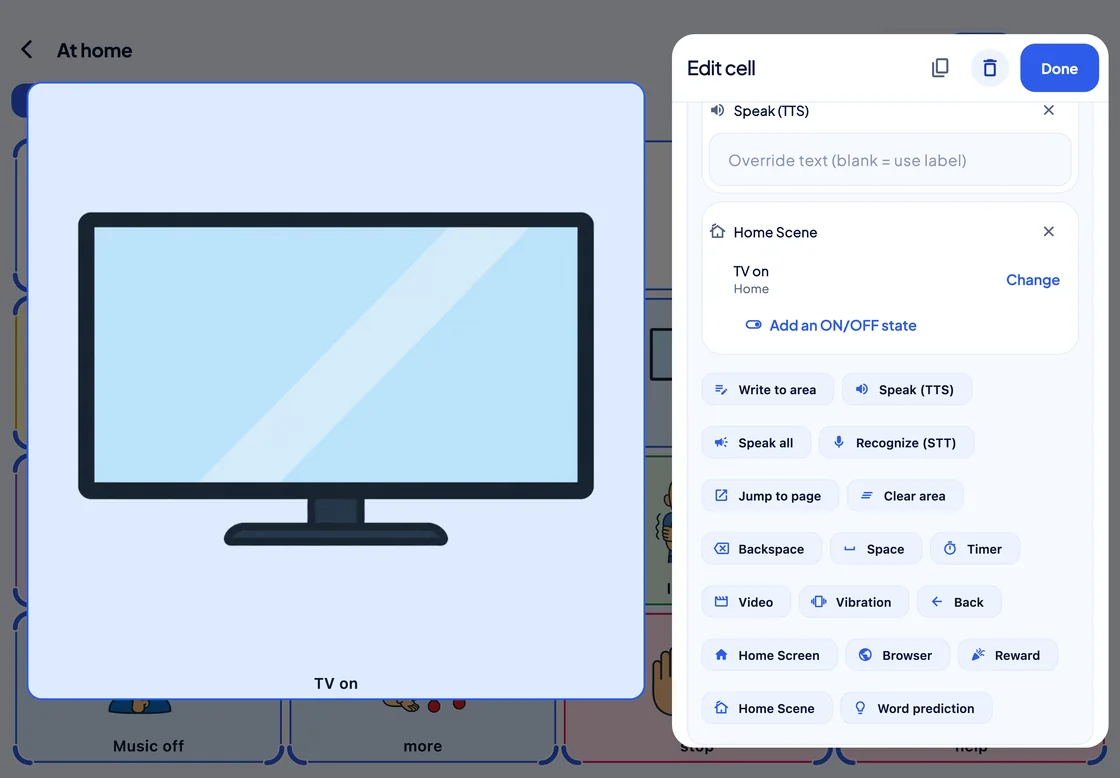
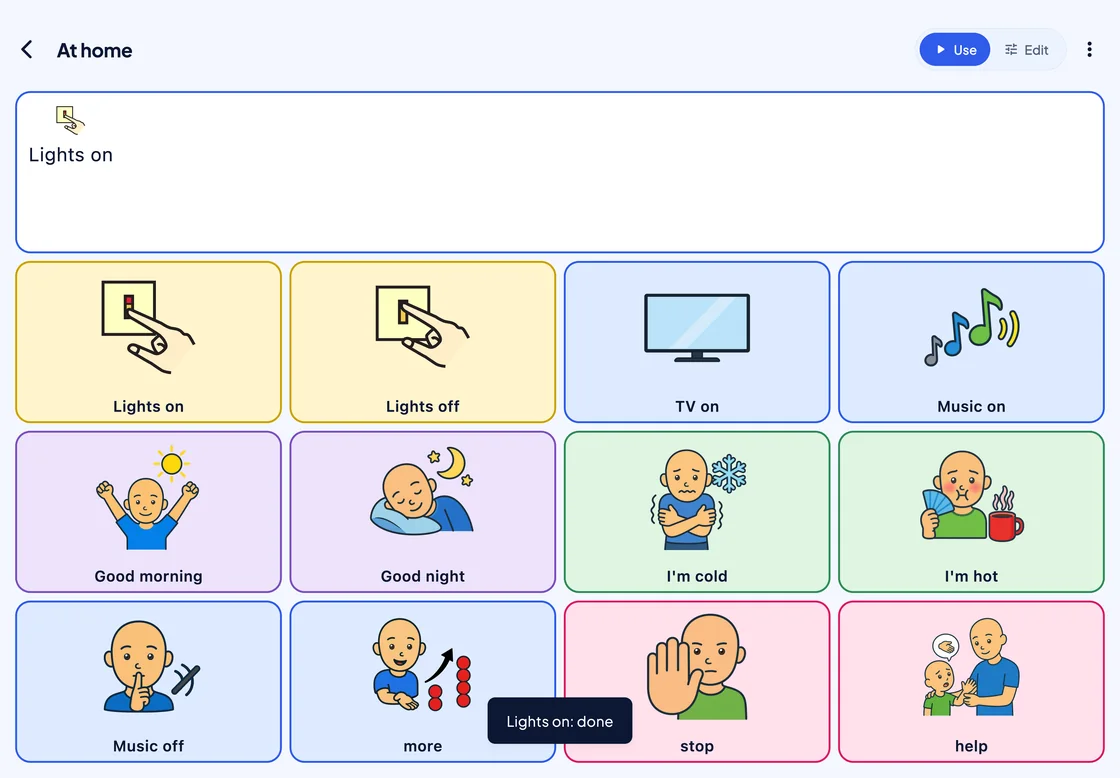
A cell that switches on the lights
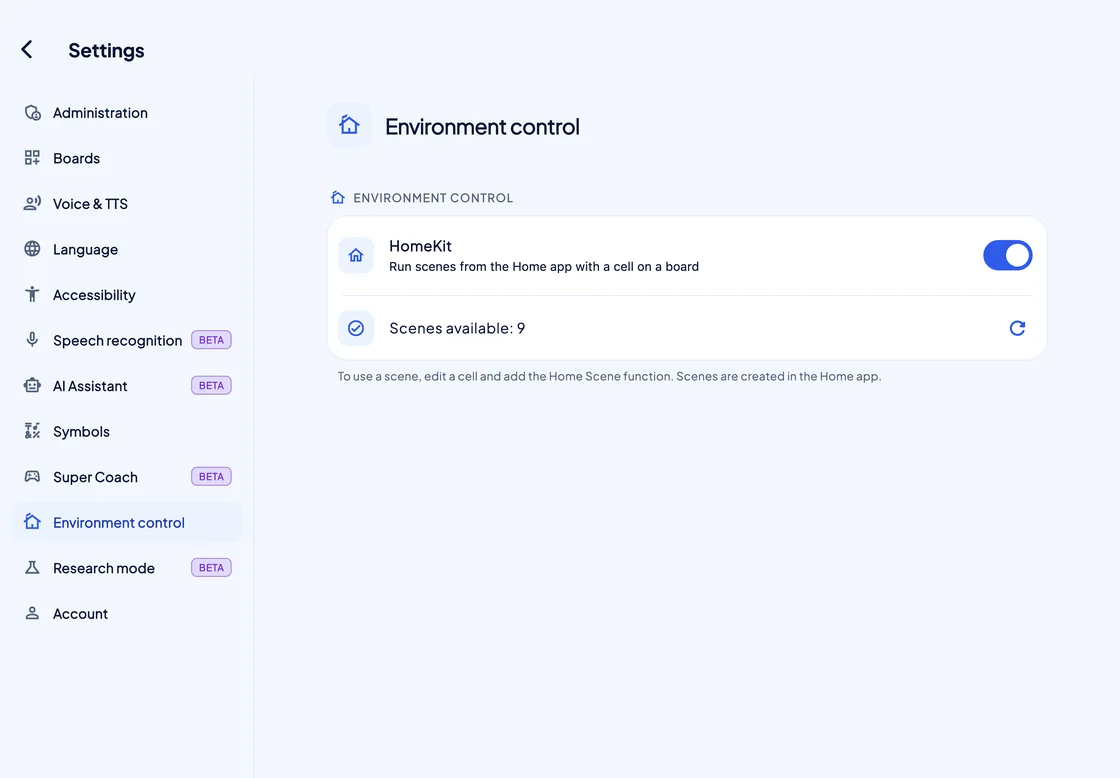
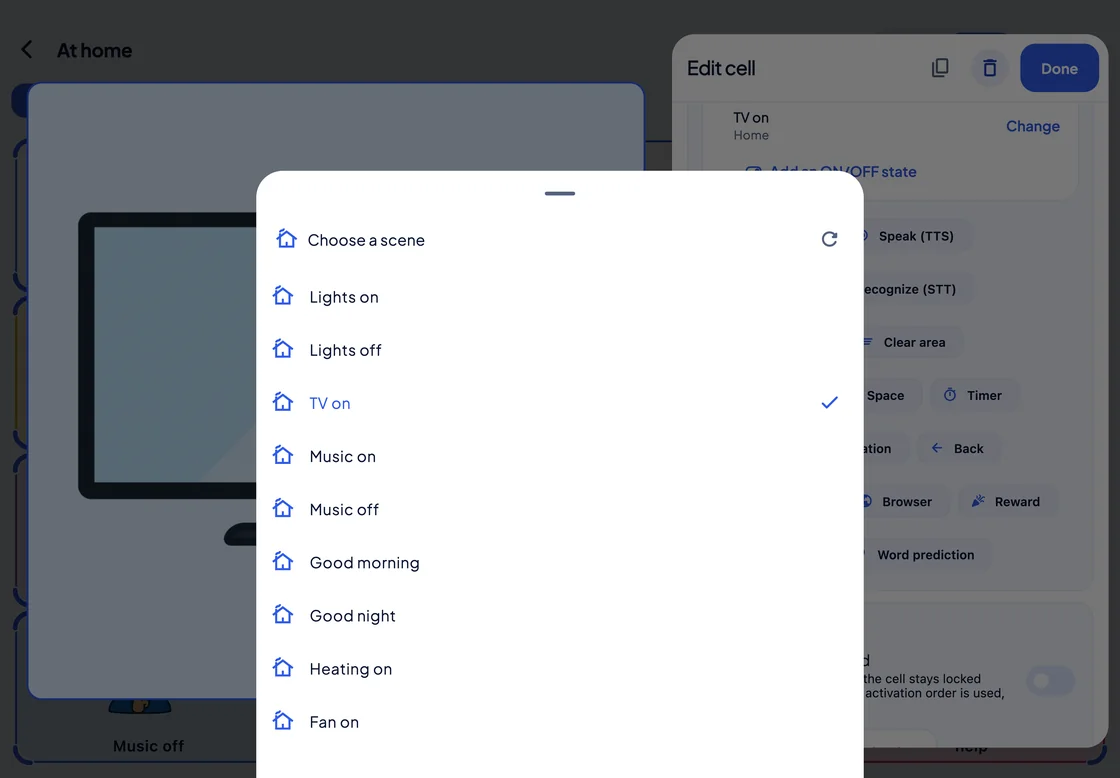
Add the Home Scene function to a cell, and pressing it runs a scene: HomeKit on iPhone and iPad, Home Assistant on Windows.
Remote control
Edit their boards from your own device
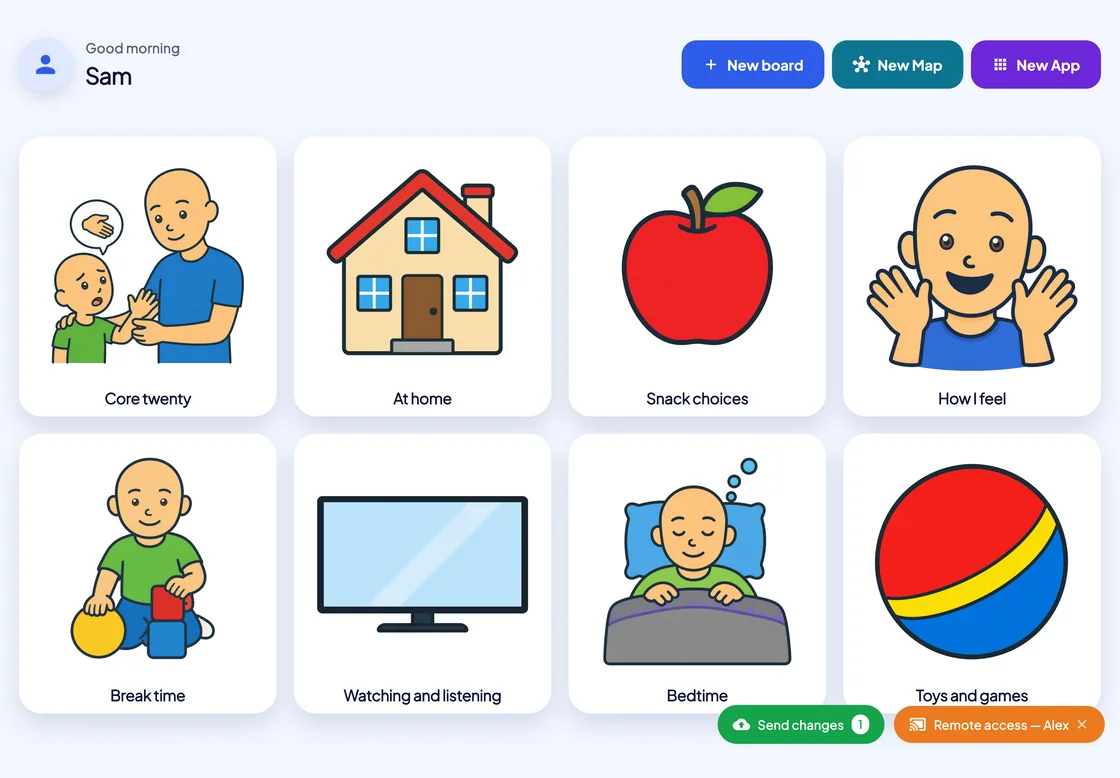
With “Remote access”, a linked therapist or teacher opens the person’s boards on their own device, with the person’s permission.
-
With their permission
The person allows viewing and editing their boards; changing their settings is a separate permission.
-
Sent when you are ready
Edits wait until you press Send changes, then reach the person’s device at once or the next time it opens.
-
Pro or Max on both accounts
Remote control works through the cloud, so both accounts need a Pro or Max plan.
Play
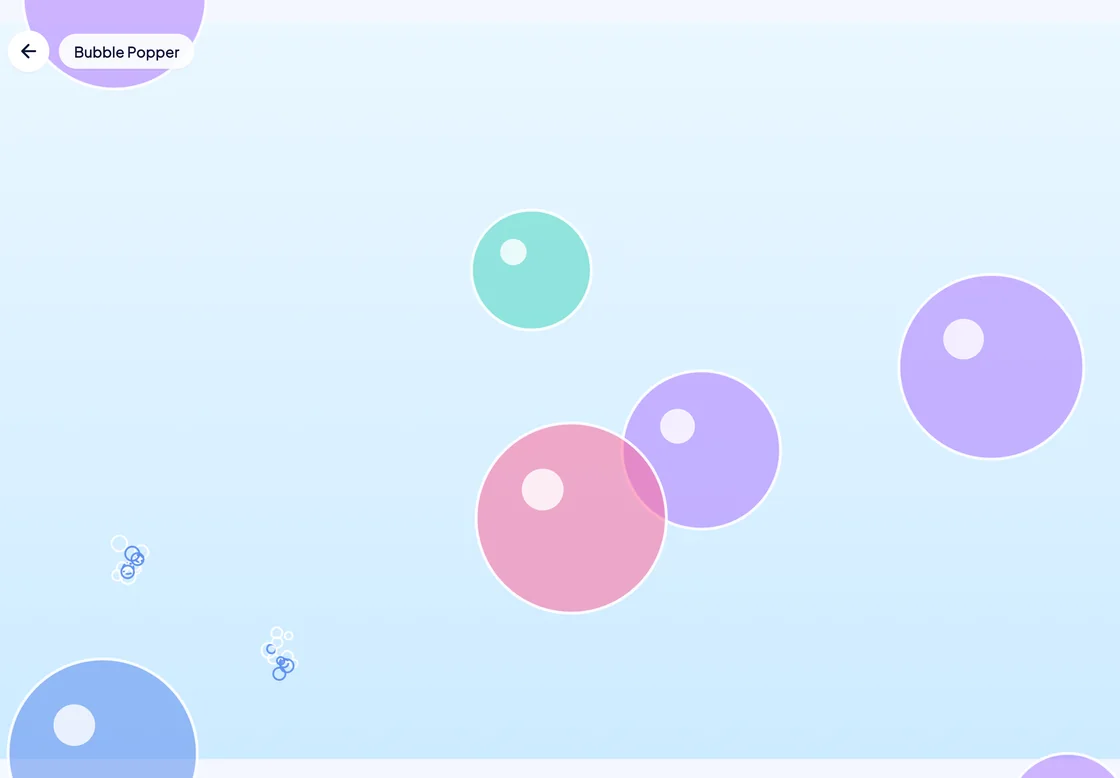
Games that teach cause and effect
Nine games for someone at the very start: each touch makes something happen.
SuperCoach
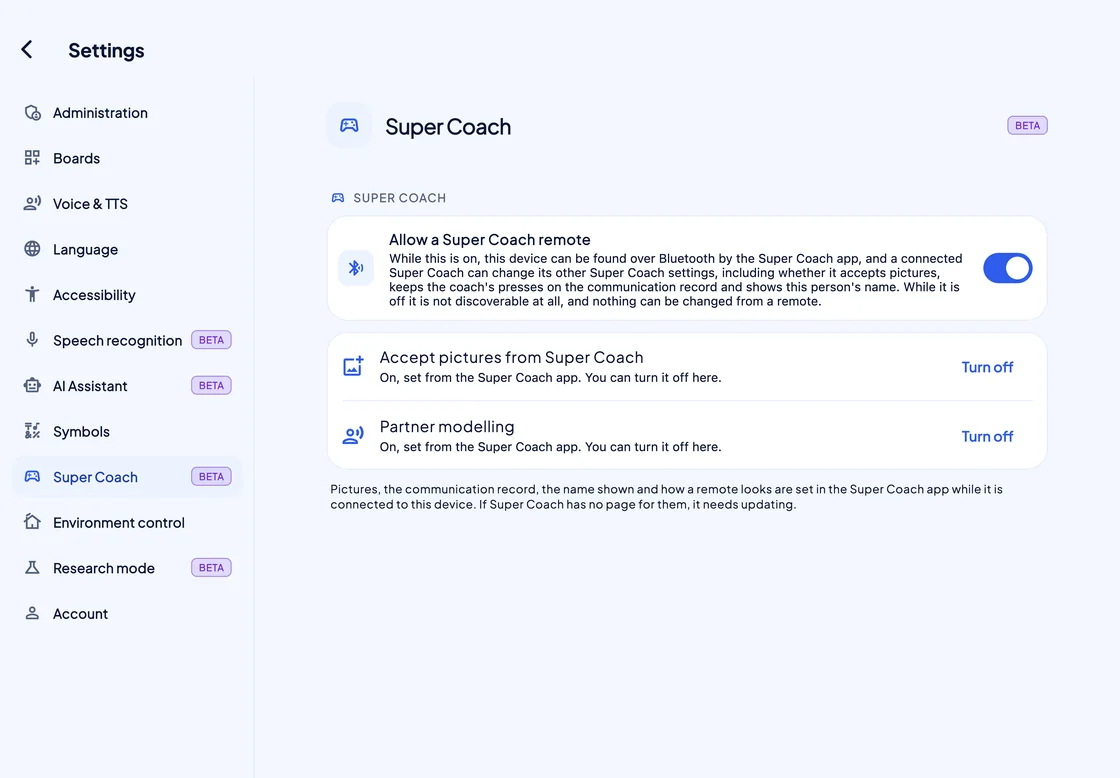
Model on their board, from your phone Beta
SuperCoach connects only while the person’s SuperAAC has “Allow a Super Coach remote” switched on.
Plans
Three plans.
All of them talk.
Each plan is sold monthly, or for five years paid once.
-
Basic
€5.99 a month
or €190 for five years, paid once
The whole communication system: boards, speech, pictures, the AAC Passport, the Remnant Book and every access method.
-
Pro
€9.99 a month
or €490 for five years, paid once
Everything in Basic, plus PAACs symbols, boards that sync across devices, and a connection with therapists.
-
Max
€18.90 a month
or €890 for five years, paid once
Everything in Pro, plus backup of the image and audio libraries, Research mode (Beta) and a Super Specialist page.
If a plan lapses,
the board keeps talking.
Nothing changes for 14 days; then the account moves to Basic, with boards, speech and access settings intact. Renewal comes up only on the Home screen, never mid-sentence.
Tech specs
The details
- Platforms
- iPhone, iPad, Android, Windows and Mac.
- iPhone and iPad
- iOS or iPadOS 16.0 or later.
- Android
- Android 7.0 or later, phone or tablet.
- Mac
- macOS 12 Monterey or later.
- Windows
- Windows 10 or 11, x64; ARM PCs run it under emulation.
- Access methods
- Touch; mouse, trackpad or head pointer; switch scanning with one or two switches (linear or row and column, automatic or step, auditory, partner-assisted, or the screen as a switch); eye gaze with dwell or blink.
- Eye trackers
- Skyle 3 (eyeV); Alea IntelliGaze CAM30NXT on Windows; or a tracker that drives the system cursor.
- Speech output
- Device voices, or the Monolith voice, an Italian neural voice that runs on the device offline; rate and volume, and pitch for device voices; recorded sound on any cell.
- Phone and video calls
- iPhone and iPad with iOS or iPadOS 18.2 or later: what the person says goes into a phone call, FaceTime and most other call apps that use Apple’s voice processing. Off by default, set up once in Settings, and also heard in the room. Someone may need to help with the setup once. The person answers the call, and SuperAAC stays on screen. Not for phone calls on Android, Mac or Windows. SuperAAC’s own video calls, for a linked therapist or teacher on Pro or Max that the person allows, are coming; the person needs their own sign-in.
- Speech recognition (Beta)
- The device’s own recogniser, or on-device Whisper, whose model downloads once.
- Vibration
- iPhone and Android phones; iPad only through an Apple Pencil Pro; not on Windows or Mac.
- Symbol sets
- Mulberry 3.5.2 (3,436 symbols, every plan) and PAACs (692 symbols, Pro and Max), plus photos and your own image sets.
- Ready-made boards
- 87 boards in 12 categories.
- Environmental control
- Home scenes from a cell: HomeKit on iPhone and iPad, Home Assistant on Windows.
- Remote control
- For a linked therapist or teacher, with the person’s permission; Pro or Max on both accounts.
- Communication log
- Off until a mode is chosen; kept for 180 days by default; read in Studio; exported as PDF or CSV, de-identified unless you choose otherwise.
- Languages
- 17: English (UK and US), Italian, German, French, Spanish, Portuguese, Polish, Croatian, Danish, Dutch, Finnish, Swedish, Norwegian, Estonian, Chinese, Japanese and Korean.
- Works offline
- The first sign-in needs a connection. After that, boards and speech work with no network; on Pro and Max, boards sync whenever there is one. Cloud AI always needs a connection.
- Account
- A Super Account is required; the same account works in SuperVOCA and SuperCoach.
- Manual
- Built in, under Settings › Account › About › How to use: 20 chapters and 167 topics, exportable as a fillable PDF, plus a Quick guide.
- Plans
- Basic, Pro and Max, monthly or five years paid once. A licence can also come through a school, a health service or a reseller.
- If a plan lapses
- 14 days unchanged, then Basic; communication never stops.
Install it on the device
that will do the talking.
Sign in once while there is a connection, then follow the guided setup: name, access method, starter boards and plan.
- 17 languages
- 5 platforms: iPhone, iPad, Android, Windows and Mac
- Offline Boards and speech need no network after the first sign-in
The SUPER suite
 SuperVOCA