The SUPER suite
Your words. Your voice. Your way.
A software suite for people with complex communication needs, and everyone who talks with them.
Latest news
Welcome iPhone Duo
Write in SuperAAC on the big inner screen, and the person in front of you reads your message on the outer screen as you write it.
Read the story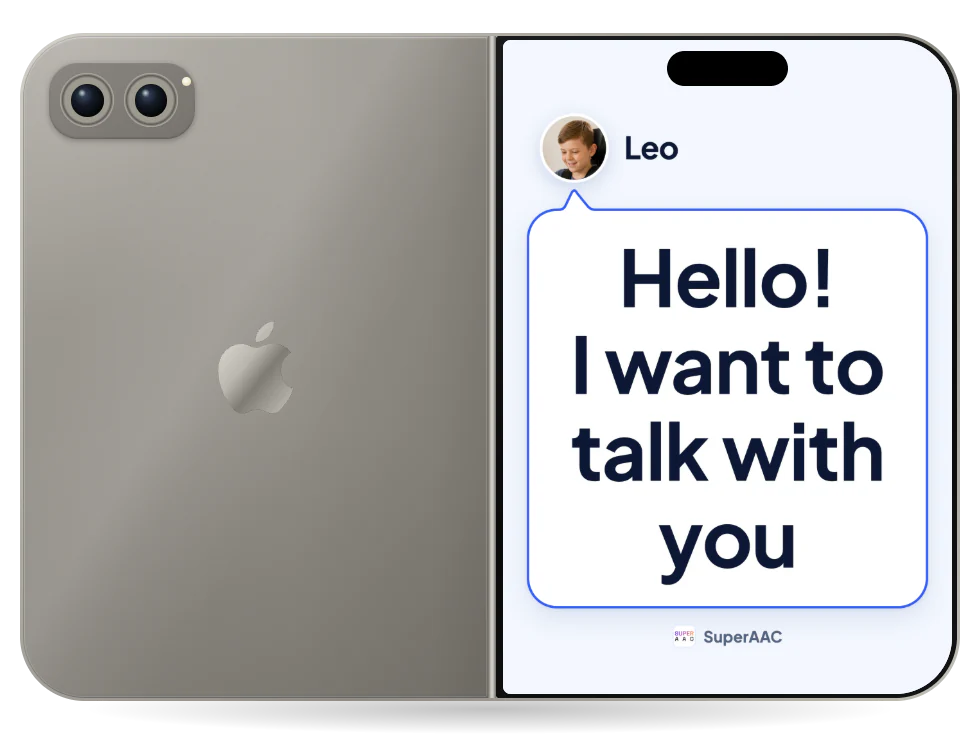
SuperAAC
The Communication Software fully reinvented
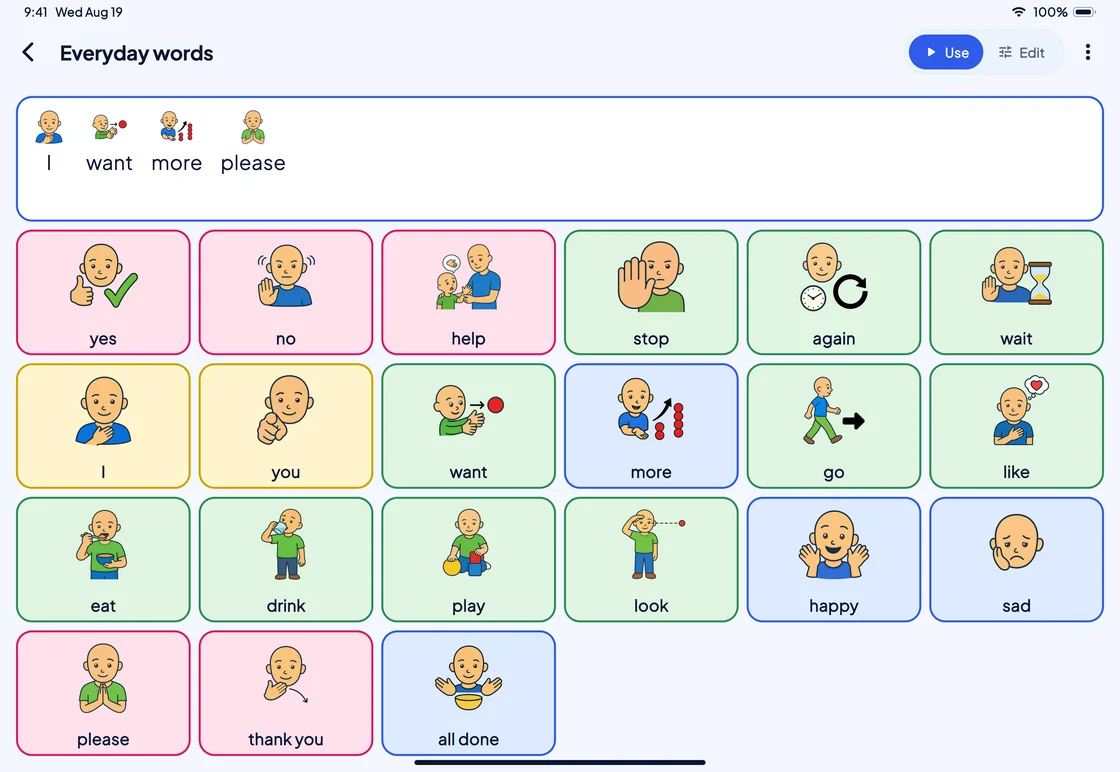
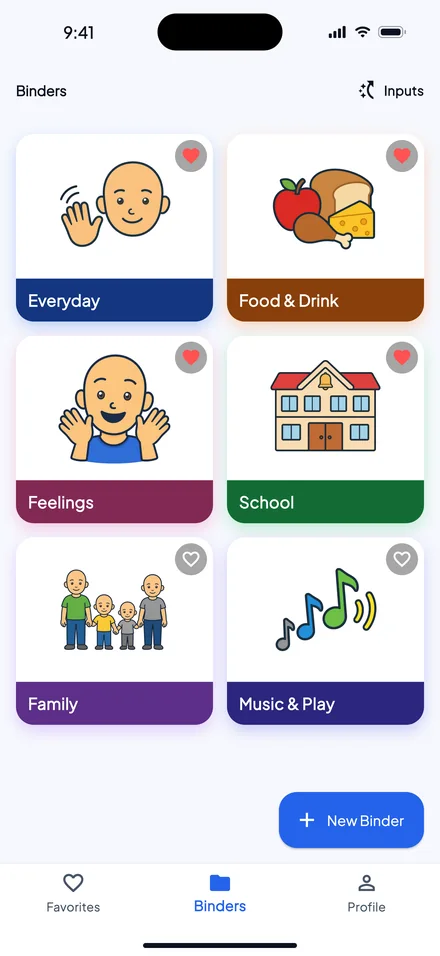
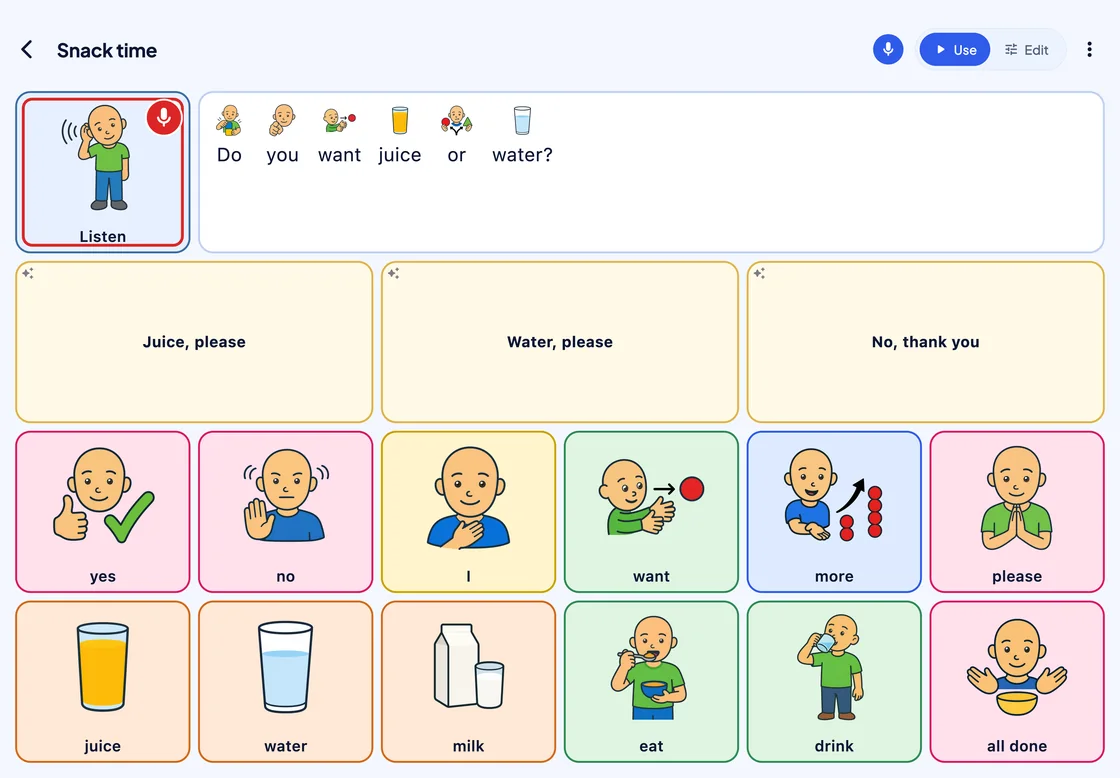
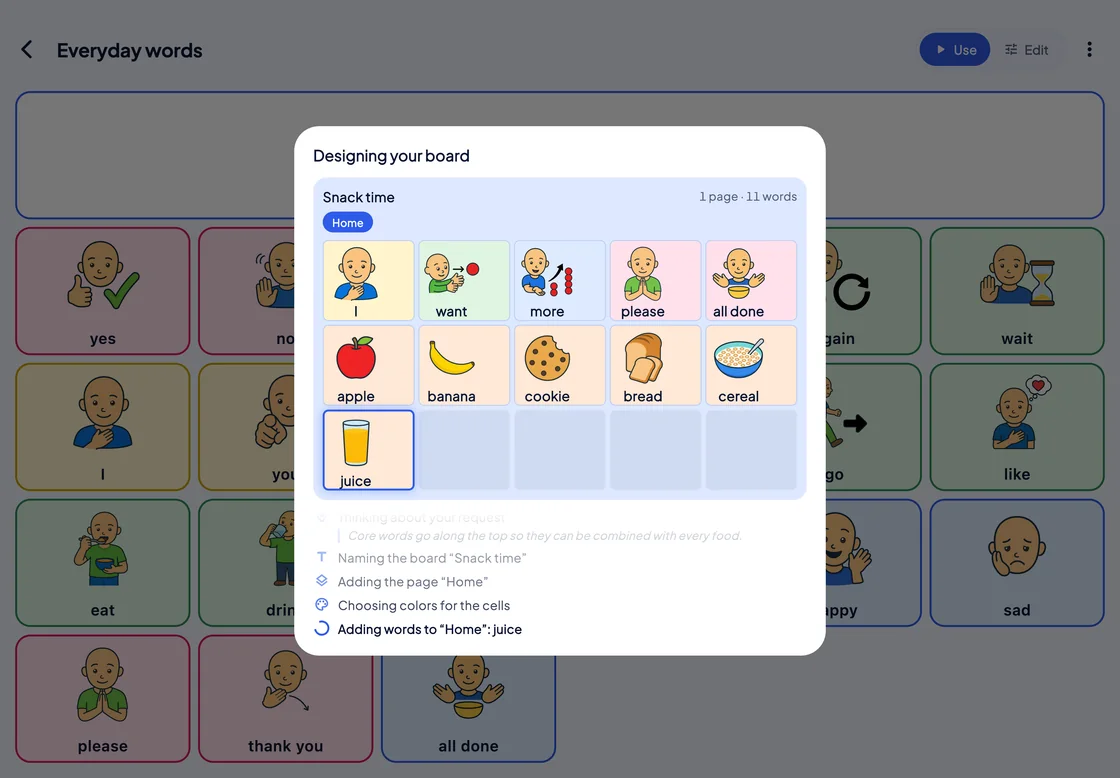
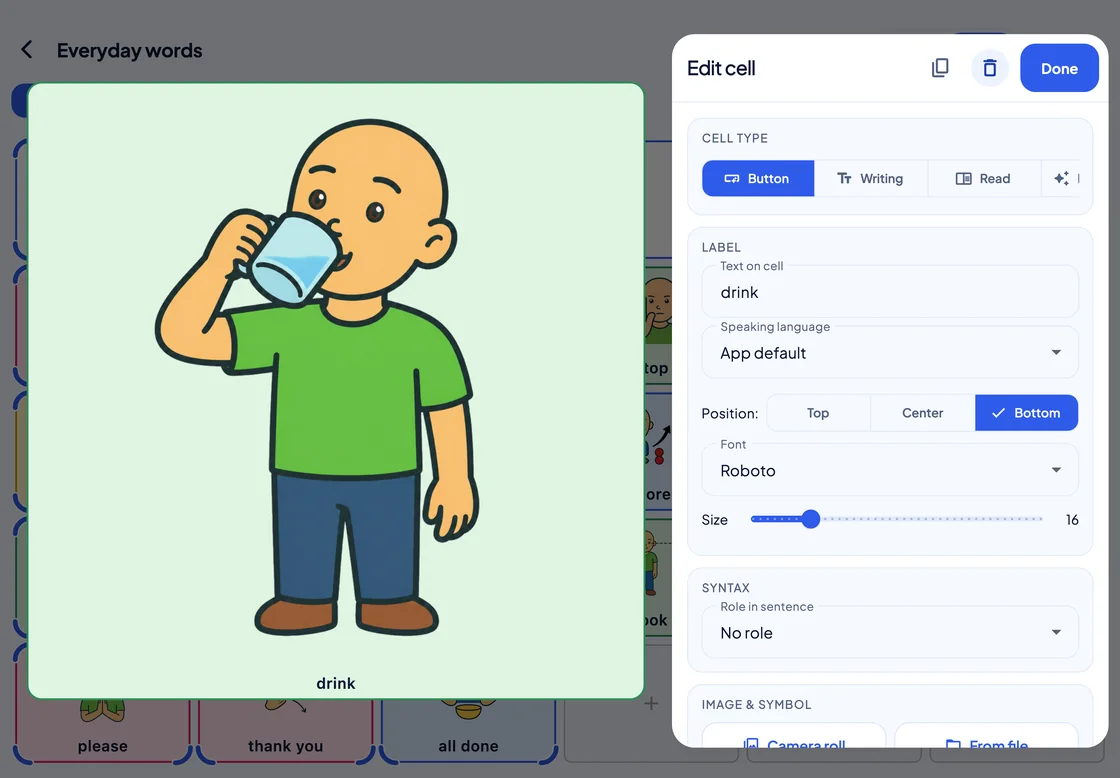
Words, symbols and phrases on a grid of buttons, spoken aloud the moment one is chosen by touch, mouse, switch scanning or eye gaze.
- 17 languages
- 5 platforms: iPhone, iPad, Android, Windows and Mac
- Offline Boards and speech need no network after the first sign-in
-
Text-to-speech in phone and video calls
On iPhone and iPad with iOS or iPadOS 18.2 or later, what the person says through SuperAAC goes into a phone call, FaceTime and most other call apps that use Apple’s voice processing. The person answers, SuperAAC stays on screen, and what they say is also heard in the room.
SuperCoach Beta
The remote modeling tool that lets you teach AAC with AAC
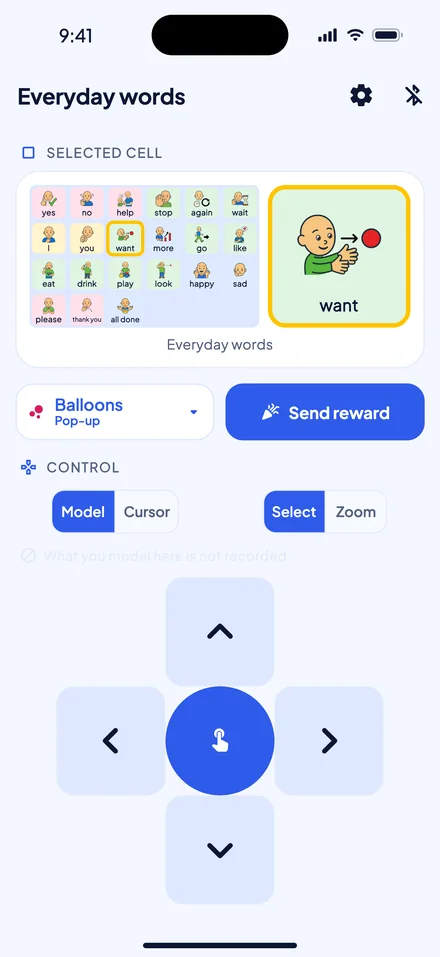
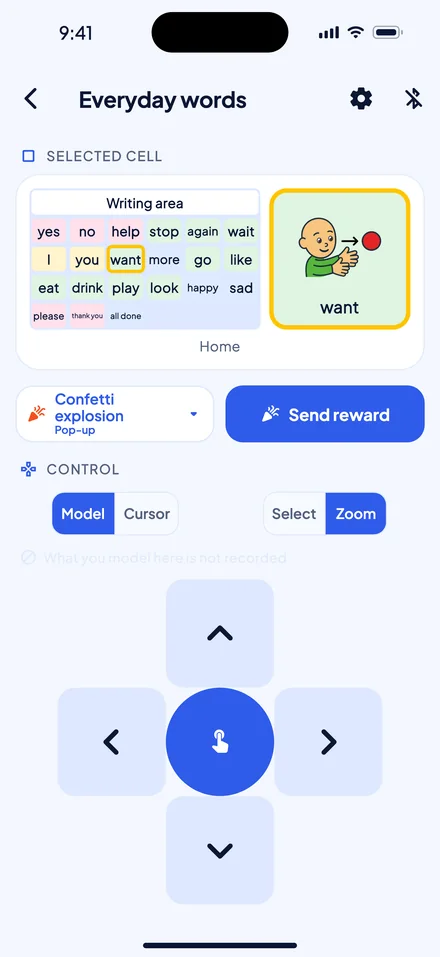
Model language on the person’s SuperAAC board from your own phone, over Bluetooth, without reaching across them.


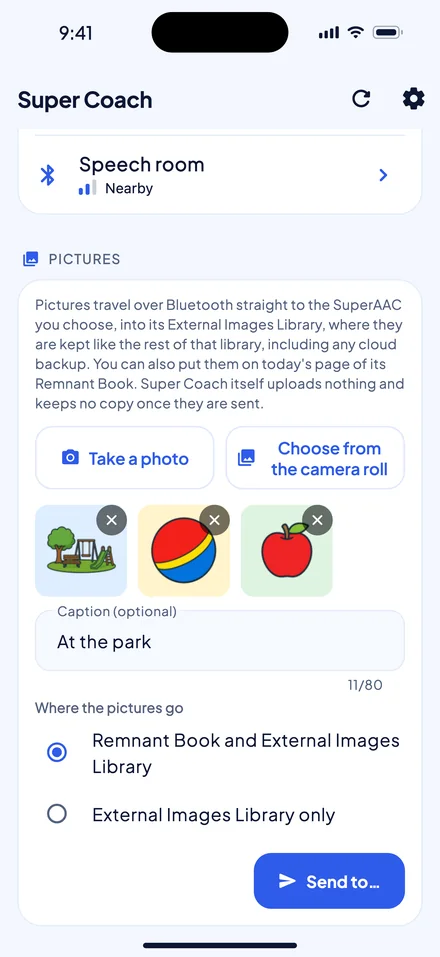
- Bluetooth Phone to device, with no network in between
- Consent SuperAAC cannot be found until the person allows it, and switching it off ends the session at once
- 17 languages
SuperVOCA
The simplest participation aid, made smart
A voice output communication aid (VOCA) that runs on your own device or a caregiver’s, with no extra hardware.
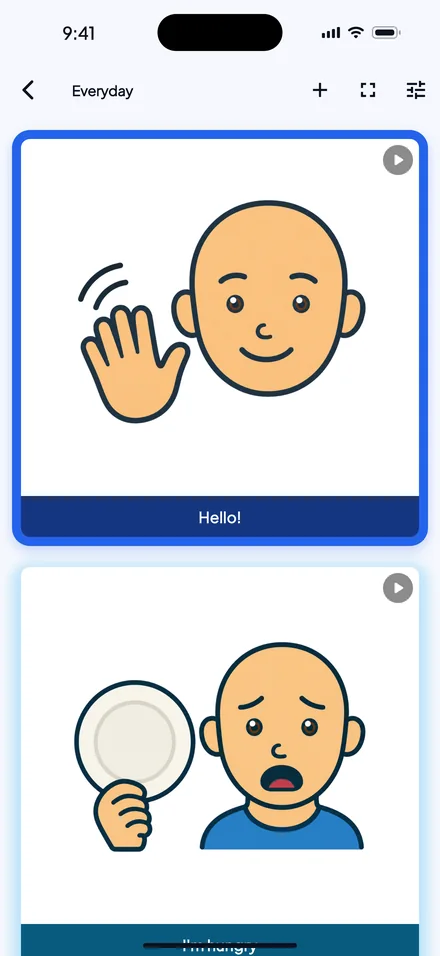
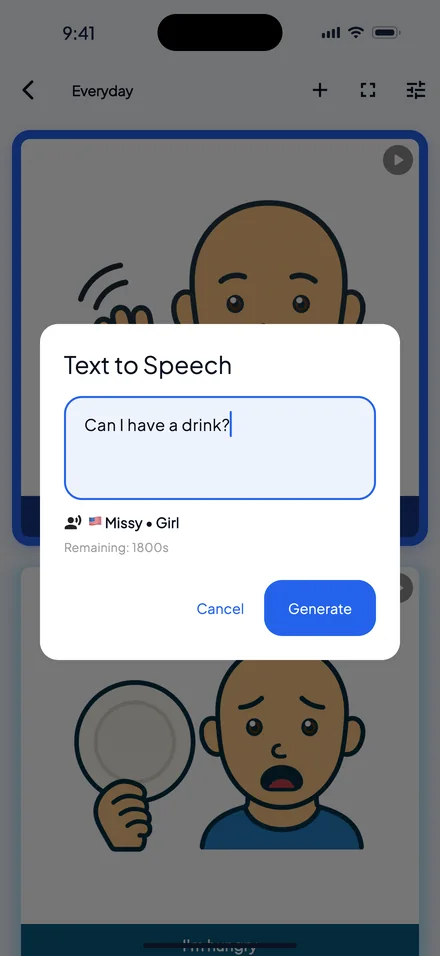
- 928 voices in 112 languages and accents
- 3 Cosmo Bluetooth switches at once, or any switch that types a key or clicks a mouse
- 4 platforms: iPhone, iPad, Android and Windows
Personal AAC symbols
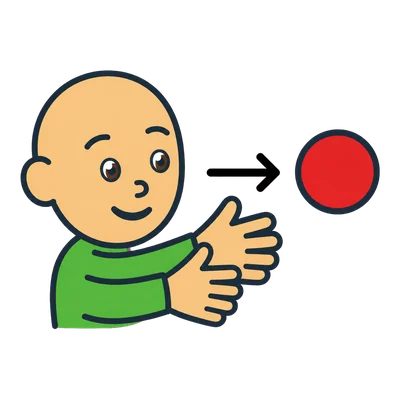
Building meaningful communication with Personal Symbols
Personal AAC symbols (PAACs) are a new way to express meaning and intention through a simple set that feels unique but familiar.





More from mPower
The Lab
The small tools that make
the big ones usable.
A communication device is only as good as the hand, the head or the switch that reaches it. Discover all the FREE tools you can use for every AAC user.
Inside the labTraining
Nobody learns an app
from its settings screen.
Twenty short modules take a teacher, a therapist or a parent from a boxed device to a working board. Each one is a narrated video of the real app, a script to read aloud, and four questions to check it landed.
Open Super TrainingStore
Affordable and priced
based on what you need.
SuperAAC offers three plans, each paid monthly or with a five-year licence paid once. Everything the Lab makes is free and stays free.
Visit the StoreSuper Specialists
Find real Experts.
Therapists and teachers who work with AAC, each one verified by hand before their page went up. What a page says is theirs to write; that the person behind it is who they say they are is ours to check.
Find a specialist