
SuperCoach Beta
The remote modeling tool that lets you teach AAC with AAC
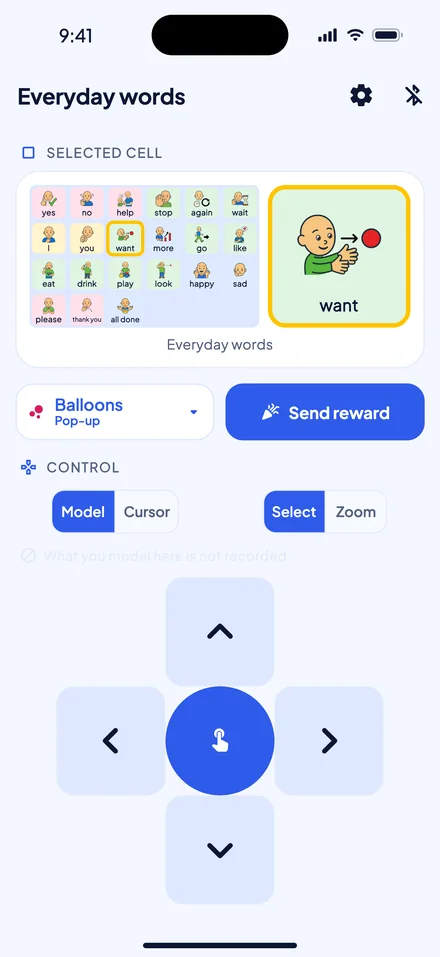
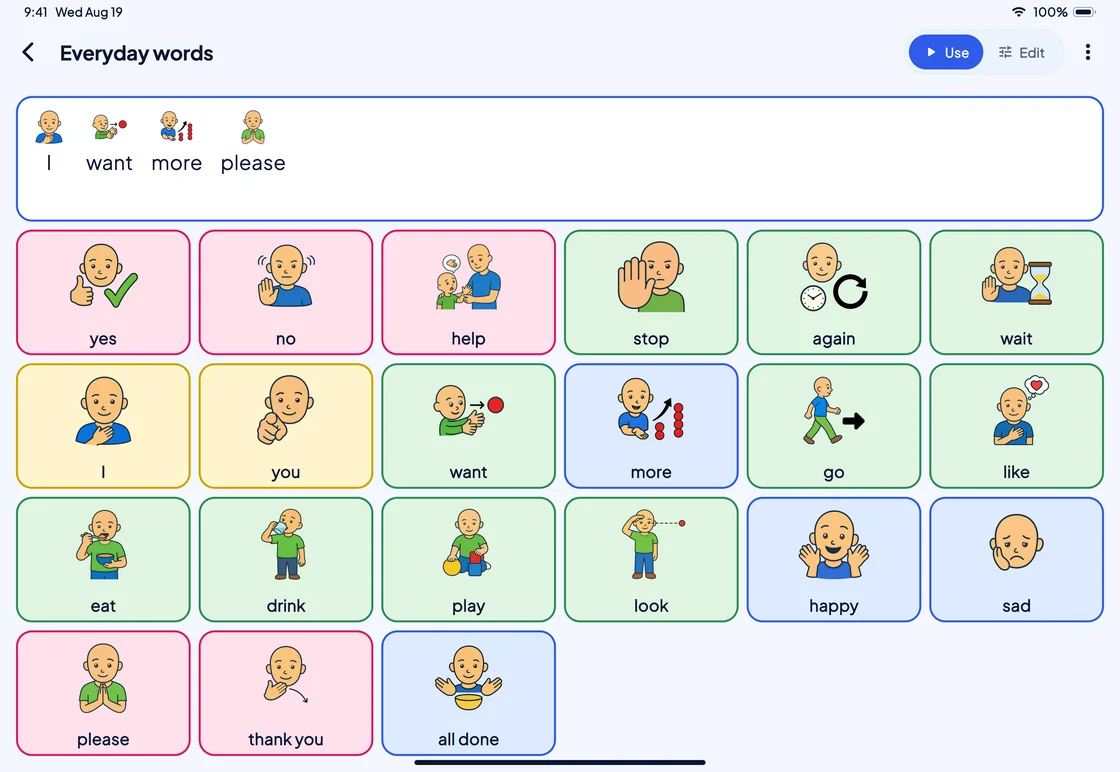
Model language on the person’s SuperAAC board from your own phone, over Bluetooth, without reaching across them.
Model
Highlight, then select
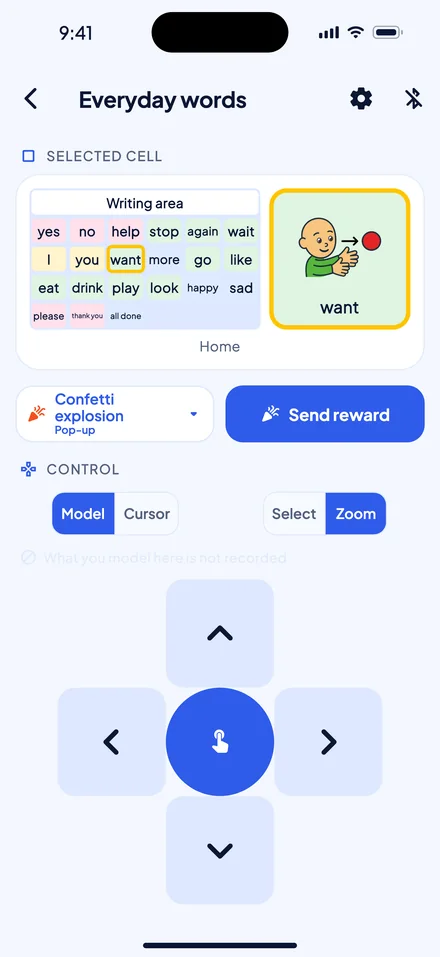
Move the highlight across the person’s board with the arrows, then press Select: SuperAAC acts on the cell as it would on a finger press.
Zoom
Point without speaking
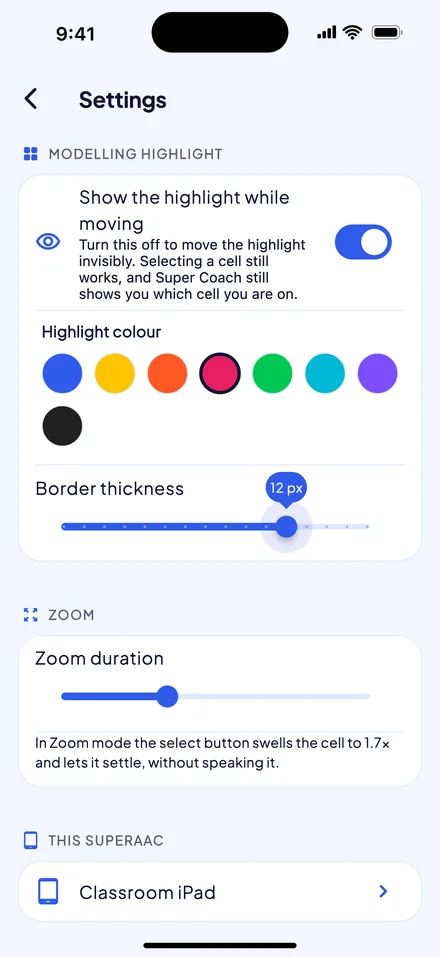
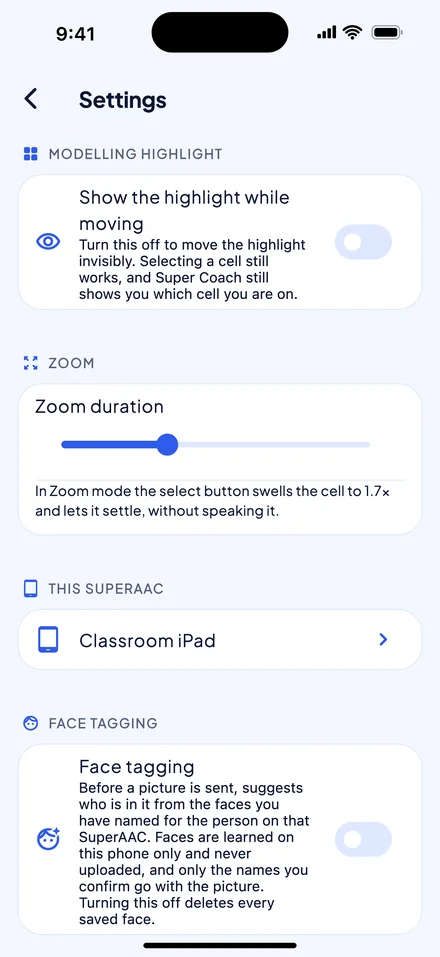
In Zoom mode, Select enlarges the cell to 1.7 times its size for a moment, without speaking it.
Cursor
A cursor for the whole app
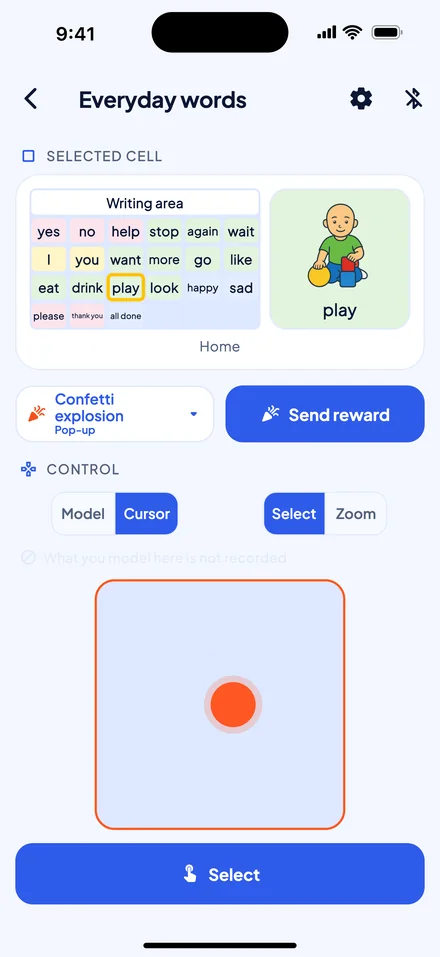
In Cursor mode, a trackpad steers a pointer across any SuperAAC screen, not just the board.
Rewards
Praise in the moment
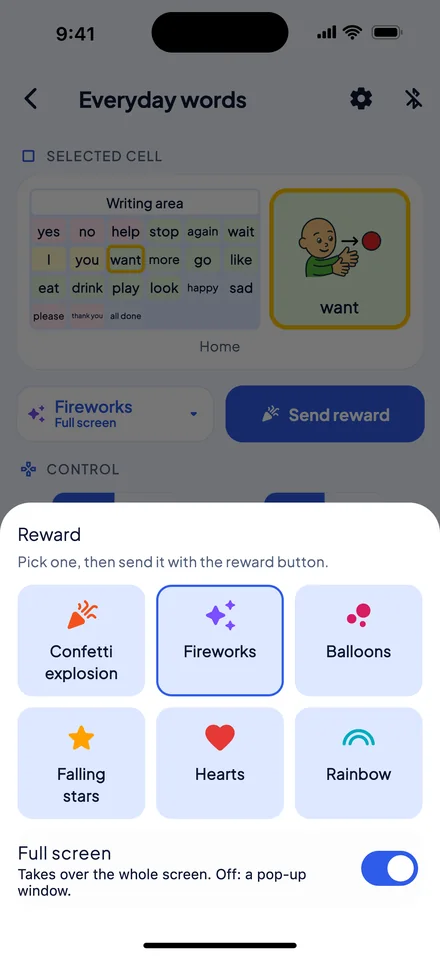
Pick a reward once; when the moment comes, one press sends it to the person’s screen.
Pictures
Send the day’s pictures
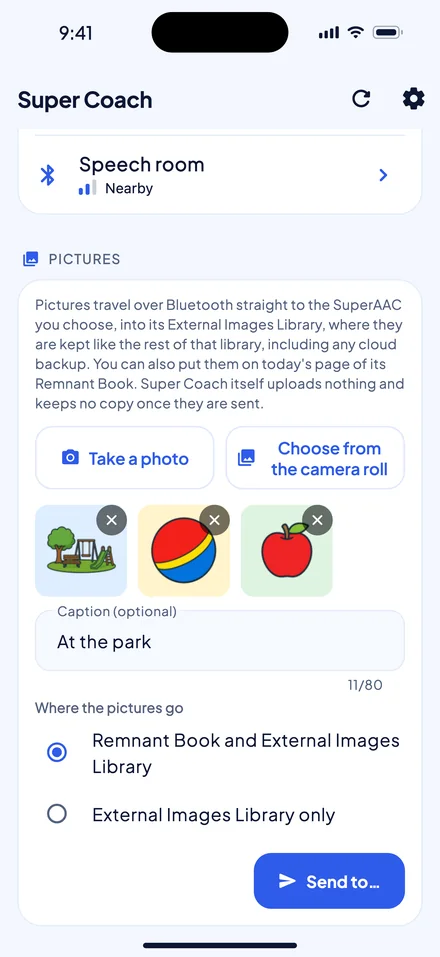
Take a photo or choose up to ten, and send them to the person’s image library; they can go on today’s page of their Remnant Book too.
Consent
The person stays in charge
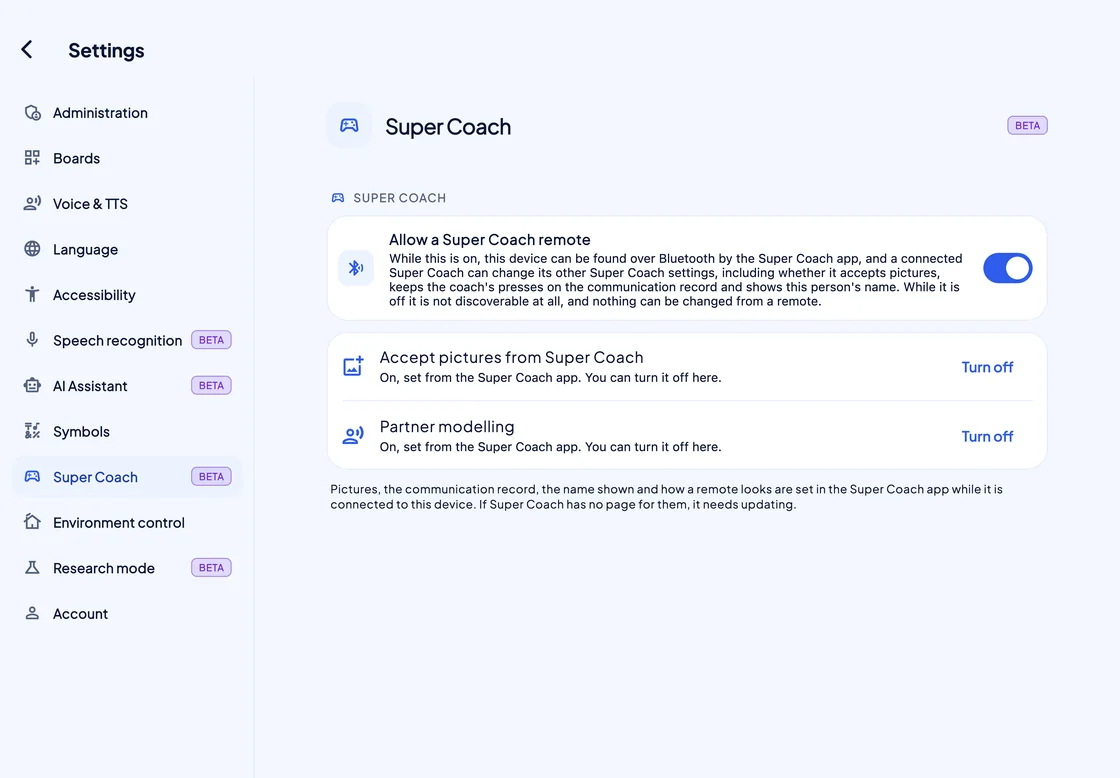
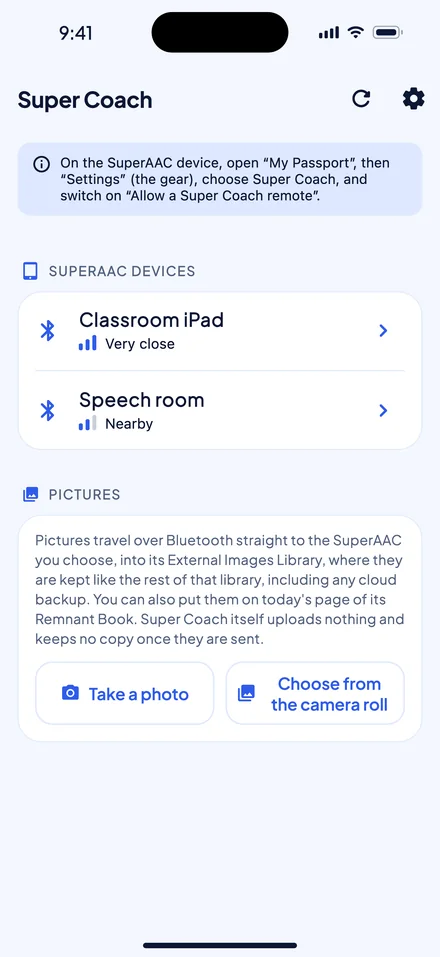
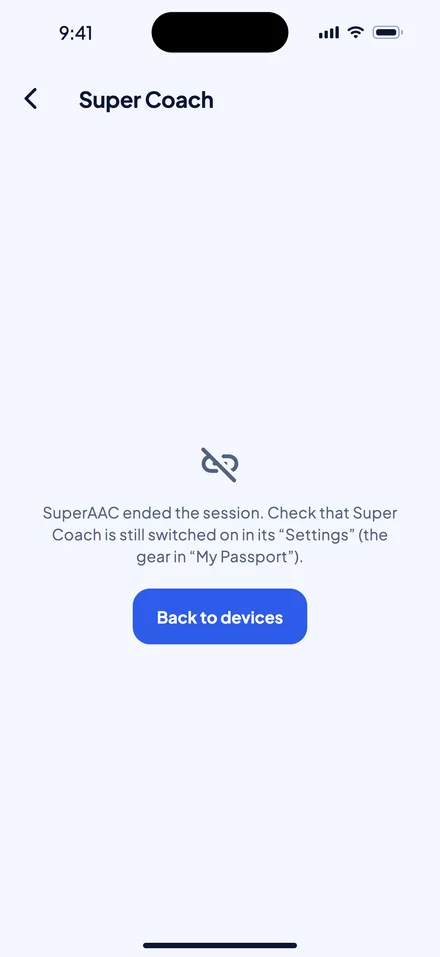
SuperCoach connects only while the person’s SuperAAC has “Allow a Super Coach remote” switched on.
-
Invisible until allowed
Until “Allow a Super Coach remote” is on, SuperAAC cannot be found over Bluetooth at all.
-
Off means off
Turning the switch off ends the session at once and clears your cursor and highlight from the screen.
-
Never counted as the person’s
With “Partner modelling” on, a coach’s press goes in their Communication log as modelling; otherwise it is not recorded at all.
Tech specs
The details
- Platforms
- iPhone, iPad and Android.
- iPhone and iPad
- iOS or iPadOS 16.0 or later.
- Android
- Android 12 or later.
- Requires
- SuperAAC on an iPad, iPhone, Android device or Mac, with “Allow a Super Coach remote” switched on.
- Connection
- Bluetooth Low Energy, directly from phone to device. One coach at a time; a second who connects takes over.
- Controls
- Arrows for the highlight, a trackpad for the cursor, Select or Zoom, a reward button and a pictures form.
- Cursor
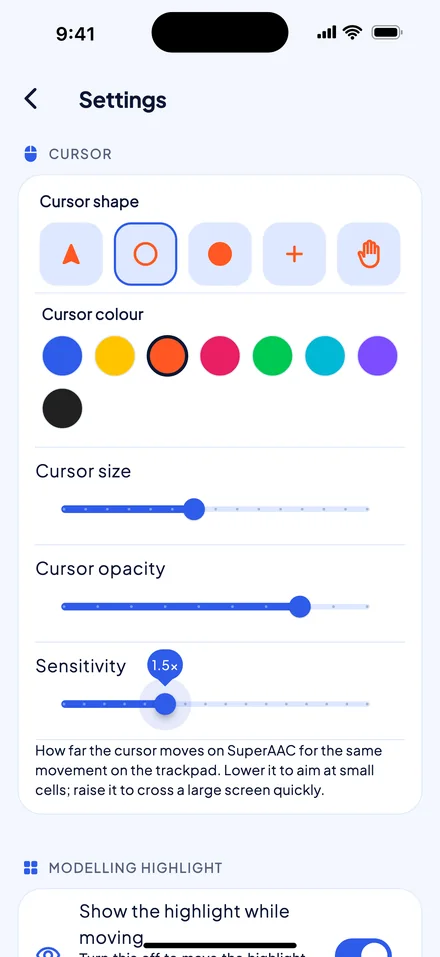
- 5 shapes and 8 colours; size 0.5× to 4×, opacity 10% to 100%, sensitivity 0.25× to 4×.
- Highlight
- Shown or hidden, in 8 colours, with a border from 1 to 16 px (4 px amber by default).
- Zoom
- 1.7× at its peak, lasting 0.2 to 2.55 seconds, on boards only.
- Rewards
- Confetti explosion, fireworks, balloons, falling stars, hearts or rainbow, as a pop-up or full screen.
- Pictures
- Only while “Accept pictures from Super Coach” is on (off by default). One camera photo, or up to 10 from your photos at a time, sent as JPEG up to 1024 px with metadata removed. SuperAAC takes up to 8 a day for the Remnant Book, and 30 a day or 300 in all for its library. It keeps them like its other pictures, including in any cloud backup.
- Face tagging
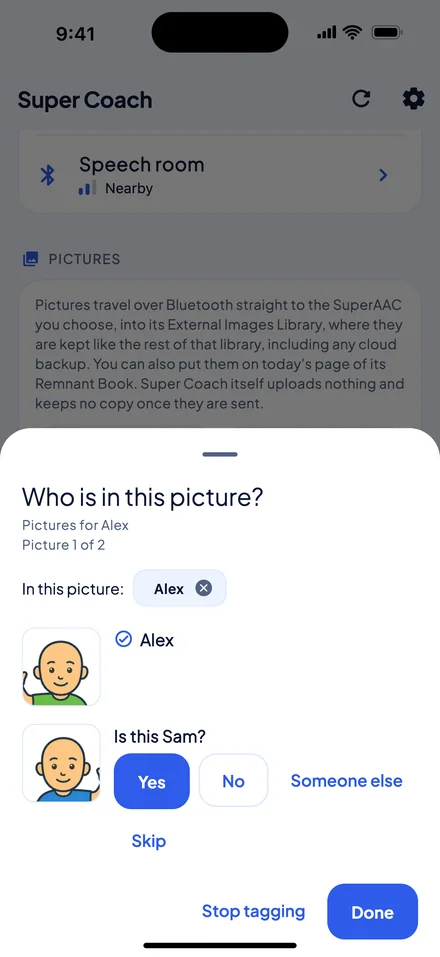
- iPhone and iPad only; optional and off by default. Faces stay on the phone.
- Languages
- 17: English, Italian, German, French, Spanish, Portuguese, Polish, Croatian, Danish, Dutch, Finnish, Swedish, Norwegian, Estonian, Chinese, Japanese and Korean.
- Account
- Optional: a Super Account, made in SuperAAC or SuperVOCA. When you sign in, your name (never your email) goes with the pictures you send; nothing else changes.
- Works offline
- A session needs no internet or Wi‑Fi.
- Status
- Beta. Not yet in the App Store or Google Play; no price has been set yet.
The SUPER suite
 SuperAAC
 SuperVOCA